
Back to plugins 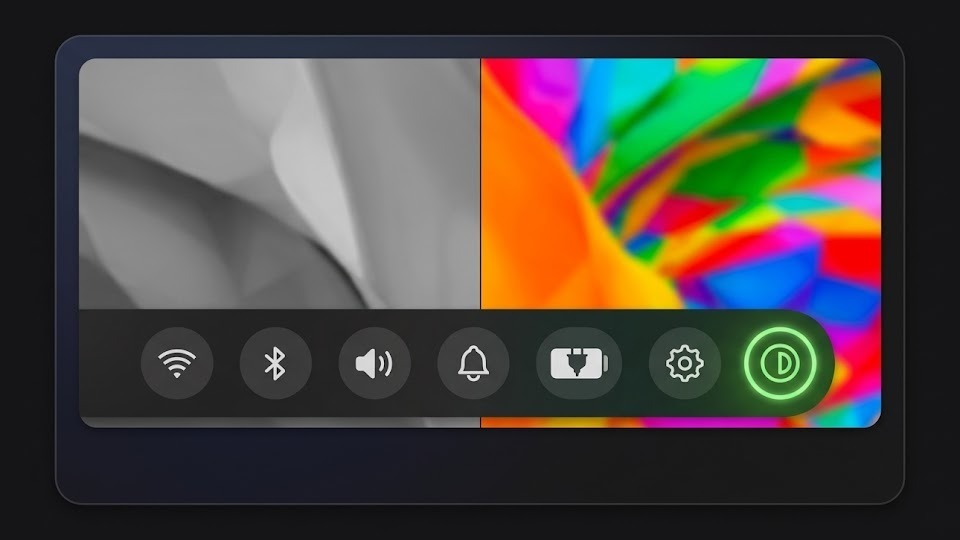
NVibrant
Toggle NVIDIA digital vibrance (color saturation) via nvibrant.
v1.0.1 NoFilterA1 MIT Jun 3, 2026
About
NVibrant
A Noctalia plugin to toggle NVIDIA digital vibrance (color saturation) directly from the bar — no terminal needed.
Features
- One-click toggle in the bar — icon highlights when vibrance is active
- Configurable vibrance level (0–1023)
- Multi-monitor support
- State persists across restarts
- Right-click context menu with quick enable/disable
Requirements
- nvibrant installed (
yay -S nvibrant-bin) - NVIDIA GPU with display connected directly to it (not via iGPU/hybrid graphics)
Hybrid graphics (Optimus) note: On laptops with hybrid AMD+NVIDIA, the internal display (eDP) is typically routed through the AMD iGPU and is not controllable by nvibrant. Switch your BIOS to Discrete GPU / NVIDIA-only mode to make the internal display available to nvibrant.
Installation
Install via the Noctalia plugin manager, or manually:
git clone https://github.com/noctalia-dev/noctalia-plugins ~/.config/noctalia/plugins/nvibrant
Note: If cloning manually, ensure the nvibrant folder is located directly inside your plugins directory.
Then enable the plugin and add the bar widget in Noctalia Settings.
Usage
| Action | Result |
|---|---|
| Left click | Toggle vibrance on/off |
| Right click | Context menu (toggle + settings) |
| IPC | qs -c noctalia-shell ipc call plugin:nvibrant toggle |
Settings
| Setting | Default | Description |
|---|---|---|
| Vibrance Level | 512 | Intensity: 0 = default, 1023 = maximum saturation (~200%) |
| Display Count | 1 | Number of displays/ports to apply vibrance to |
License
MIT