 Noctalia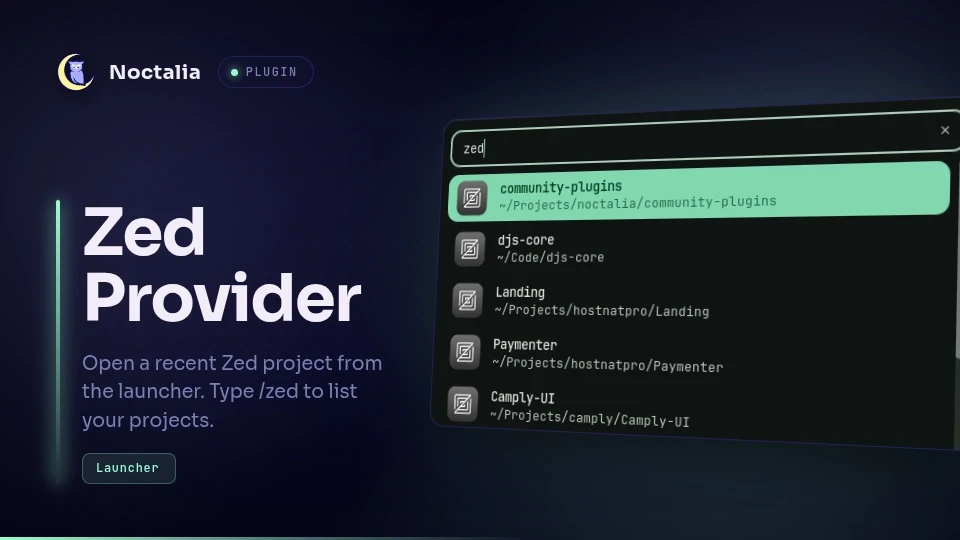
About
Zed Provider
Zed Provider integrates recent Zed workspaces with the Noctalia launcher so you can reopen a project quickly without leaving the shell.
Plugin
| Field | Value |
|---|---|
| ID | cleboost/zed-provider |
| Entry | Launcher provider: provider |
| Launcher Prefix | /zed |
Requirements
Install Zed and ensure zed is available on PATH as
zeditor. The sqlite3 command must also be available to read Zed's workspace
database. nohup command is required to launch Zed.
Usage
Open the Noctalia launcher and type /zed to list recent Zed workspaces,
including SSH remotes. Continue typing to filter projects by name, then select
one to open it with zeditor.
Settings
db_path— path to Zed'sdb.sqliteworkspace database.max_results— maximum number of projects shown in the launcher.new_window— to open projects in a new window.
Notes
Projects are read from Zed's workspace database, typically at
~/.local/share/zed/db/0-stable/db.sqlite. SSH remote workspaces are included
and opened with zeditor ssh://[user@]host[:port]/path; other remote kinds
(if any) are skipped. The list is cached for the launcher session and
refreshed when you clear the query.
Versions
| Version | Plugin API | Updated |
|---|---|---|
| v1.2.0 latest | 3 | Sep 21, 2026 |
Older versions stay installable on a Noctalia release whose plugin API is below the latest version's.