
About
WireView Pro II
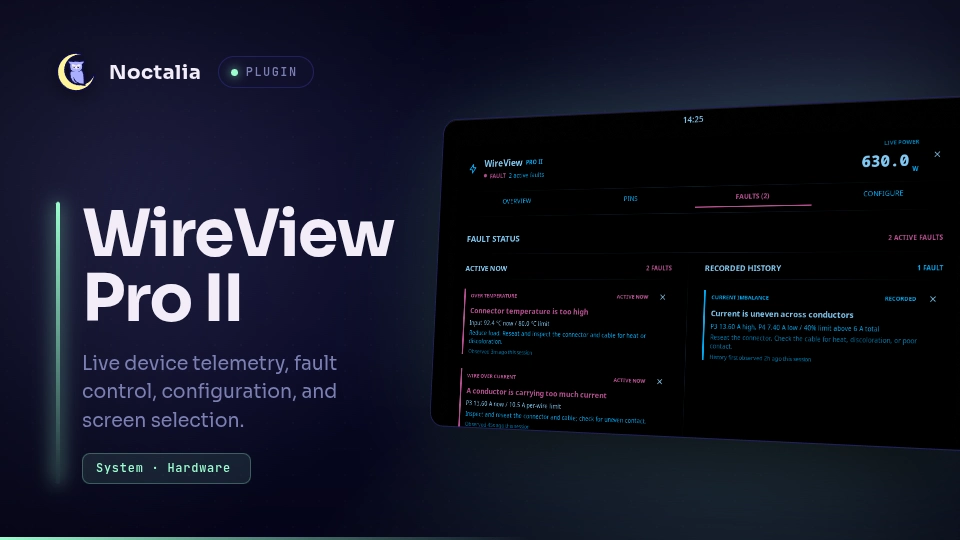
Live WireView Pro II telemetry for Noctalia Shell v5, with a dense power-flow dashboard, six-conductor detail, fault registers, graphs, and guarded device configuration.
Plugin
| Field | Value |
|---|---|
| ID | gustav0ar/wireview-pro-ii |
| Service | monitor |
| Bar widget | summary |
| Panel | dashboard |
Requirements
- A running
wireviewdAPI 1 or API 2 daemon and its default Varlink socket at/run/wireviewd/io.github.Gustav0ar.WireView. python3, used by the bundled direct Varlink transport.sleep, used only to pace monitor reconnection after the daemon restarts.
The plugin does not invoke the wireview CLI or varlinkctl. Its bundled
transport opens the Unix socket and reads and writes NUL-framed Varlink messages
directly. The service validates the daemon API and required capabilities before
consuming telemetry or changing settings.
Usage
Add the summary widget to a Noctalia bar and click it to open the dashboard
attached to the bar below the clicked widget. Noctalia's plugin settings expose
the standard Attached / Floating selector if you prefer a detached panel. The
panel can also be opened directly:
noctalia msg panel-toggle gustav0ar/wireview-pro-ii:dashboard
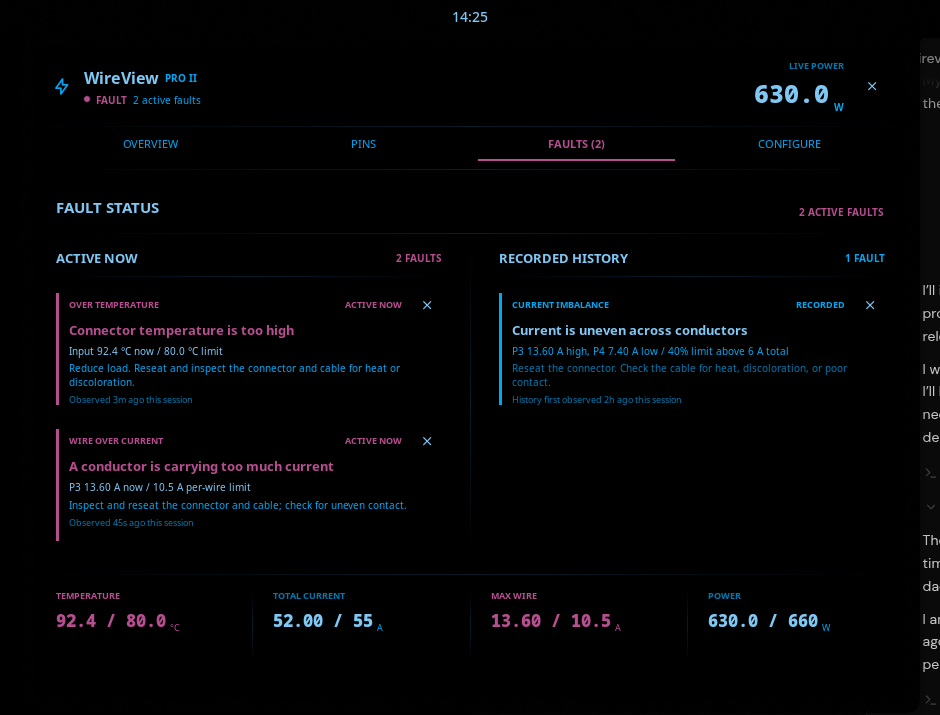
The Overview tab shows live total power, a two-minute graph, all six conductors, temperatures, current, voltage, and fan duty. Pins expands the conductor data. Faults preserves active, logged, and unknown register bits.
Active alarms remain in the theme's danger color while recorded history is deliberately quieter. Fault timing is labeled as session-observed: the current daemon API timestamps telemetry samples, not individual fault transitions.
If live samples stop, the panel keeps the last values visible but dims them and
labels them as frozen. The bar widget also changes its secondary value to
STALE. Nothing stale is presented as a current reading.
The default Faults layout is side by side. For constrained displays, select
Stacked under the dashboard's plugin settings; the page becomes one scrolling
column without removing any alarm detail or action.
Settings
- Fault page layout: show active and recorded faults side by side, or stack them vertically on narrow displays.
Device configuration
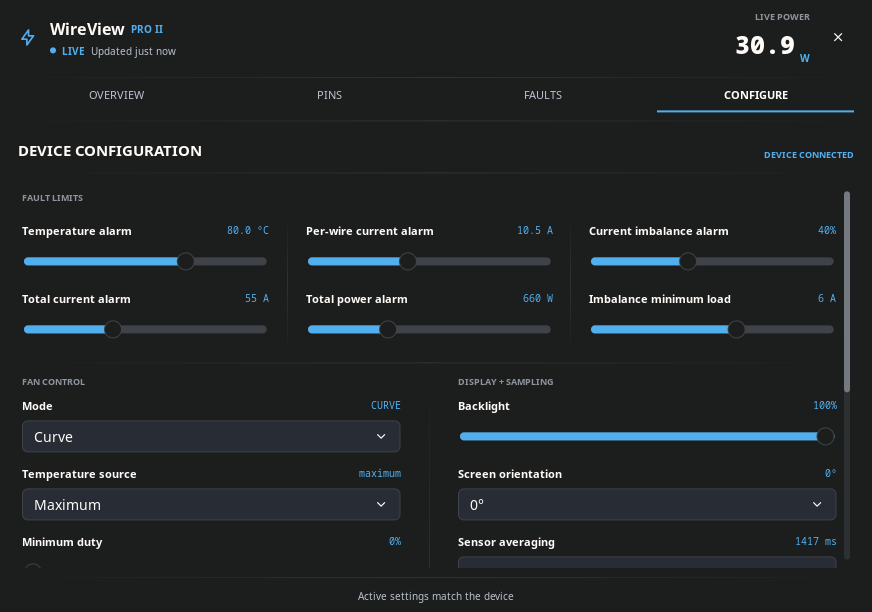
Configure edits a deliberately small set of daemon-validated settings:
- Fan mode, temperature source, and minimum/maximum duty
- Immediate screen selection, plus backlight, 0° or 180° screen orientation, sensor averaging, device logging interval, and the default screen used after startup
- Runtime daemon telemetry polling interval
- Fault limits for temperature, total current, per-wire current, total power, conductor imbalance, and the imbalance minimum load
The Faults view can clear each active or recorded alarm directly on the WireView device. An over-limit conductor also shows a compact clear action in its pin row. If the electrical or thermal condition is still present, the device will assert the alarm again and the plugin will continue to show it. Each action reports clearing, success, failure, or immediate reassertion on the affected fault row.
Apply until reload changes active settings only. Review permanent store
requires a second explicit action before changed device settings are written to
nonvolatile memory. Daemon polling is runtime-only and is never presented as a
permanent device setting.
Transport
The service subscribes to Monitor and coalesces events into GetTelemetry
requests. Graph history lives only in Noctalia shared state and is capped at 120
samples. Configuration uses GetConfiguration, GetPollInterval,
SetConfigurationItem, and SetPollInterval. The runtime screen selector uses
SetScreen and also follows screen changes reported by Monitor. Alarm reset
uses ClearFaults and consumes the device's refreshed telemetry response.
Every mutation is allowlisted in the plugin and validated again by wireviewd.
Persistent changes send confirm=true at the Varlink boundary.
For development, run the read-only transport contract check against a disposable daemon socket:
python tests/check_varlink.py /tmp/wireviewd-test.sock
Versions
| Version | Plugin API | Updated |
|---|---|---|
| v0.4.0 latest | 9 | Sep 12, 2026 |
Older versions stay installable on a Noctalia release whose plugin API is below the latest version's.