 Noctalia
Back to plugins 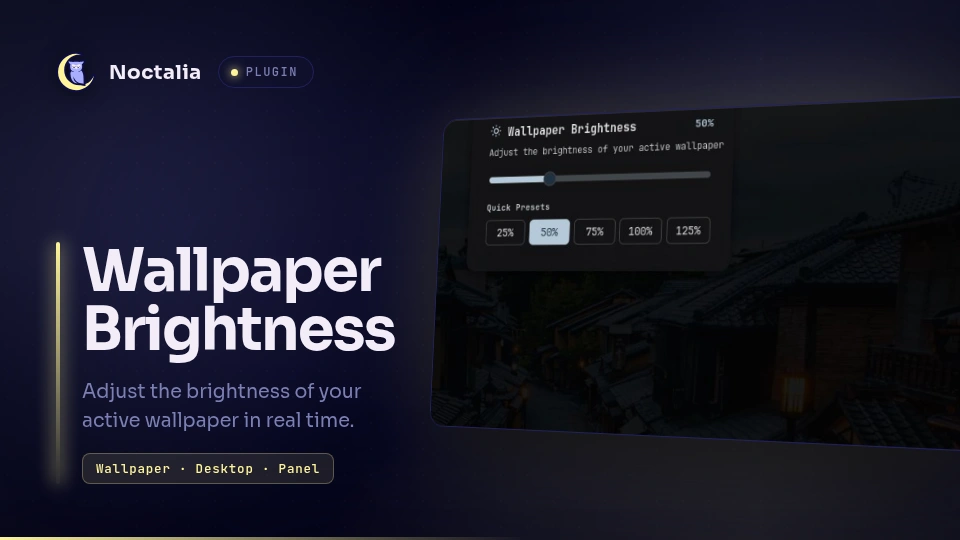
v1.0.0 rsmendes
About
Wallpaper Brightness
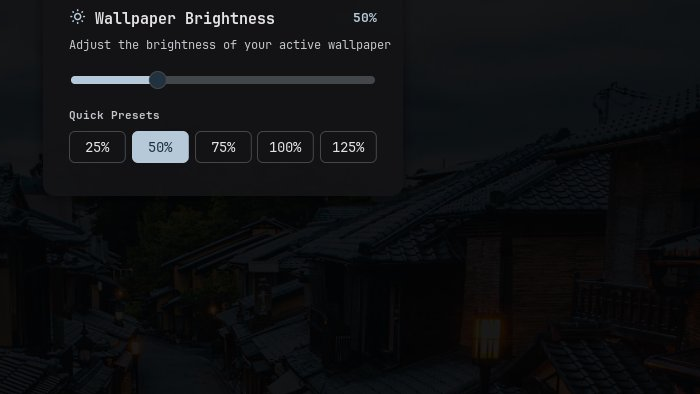
Adjust the brightness of your active desktop wallpaper in real time using a quick slider panel, status bar widget, Control Center shortcut, or plugin settings.
Plugin
| Field | Value |
|---|---|
| ID | rsmendes/wallpaper-brightness |
| Entries | Bar widget: bar; panel: panel; shortcut: shortcut; service: service |
Requirements
Install python3 and Pillow (python3-pil / python-pillow) on your system.
Usage
- Bar Widget (
bar): Click the sun icon on the status bar to open the brightness panel, right-click to open plugin settings, or scroll up/down over the widget to adjust wallpaper brightness in5%steps. - Control Center Shortcut (
shortcut): Add the Wallpaper Brightness tile in Control Center to see the current percentage and toggle the brightness panel. - Quick Panel (
panel): Drag the slider (10%to150%) or click any quick preset button (25%,50%,75%,100%,125%) to dim or brighten your wallpaper immediately.
You can also toggle the panel from keybindings or scripts via IPC:
noctalia msg panel-toggle rsmendes/wallpaper-brightness:panel
Settings
| Setting | Type | Default | Description |
|---|---|---|---|
brightness |
int |
100 |
Wallpaper brightness percentage from 10 to 150 in steps of 5 (100 keeps the original image). |
IPC
Control wallpaper brightness directly from terminal scripts or compositor keybindings:
# Set wallpaper brightness to a specific percentage (10-150)
noctalia msg plugin rsmendes/wallpaper-brightness:service all set 60

# Increase brightness by 5% (or pass a custom step)
noctalia msg plugin rsmendes/wallpaper-brightness:service all up 10

# Decrease brightness by 5% (or pass a custom step)
noctalia msg plugin rsmendes/wallpaper-brightness:service all down 10

# Restore original wallpaper brightness (100%)
noctalia msg plugin rsmendes/wallpaper-brightness:service all reset
Notes
- Automatically detects when you change your wallpaper in Noctalia and applies your chosen brightness level to the new wallpaper across all connected monitors.
- Setting brightness to
100%(or disabling the plugin) restores your original unmodified wallpaper image.
Versions
| Version | Plugin API | Updated |
|---|---|---|
| v1.0.0 latest | 30 | Nov 10, 2026 |
Older versions stay installable on a Noctalia release whose plugin API is below the latest version's.