
About
Taildrop
Pick a device on your tailnet and send a file (or folder — automatically archived to
.tar.gz) straight from a file manager's right-click menu. Files travel over your
existing Tailscale connection; nothing leaves your tailnet.
tailscale file cp only accepts files, so directories are packed to <name>.tar.gz in a
private temp directory at send time and cleaned up afterwards.
Plugin
| Field | Value |
|---|---|
| ID | carlocamacho/taildrop |
| Entries | panel: send; service: service |
Open the send dialog from anywhere with:
noctalia msg panel-toggle carlocamacho/taildrop:send
This plugin is not a Tailscale frontend. Install a Tailscale plugin separately if you want the VPN manager / peers / exit-node UI.
Requirements
tailscaleonPATH, with the local daemon running.tarandmktemponPATH— used only when sending a folder. Both are present on standard Linux/macOS installs.- The local user must be a Tailscale daemon operator (one-time):
sudo tailscale set --operator=$USER. - A file manager (HyprFM, Nautilus, Dolphin, Thunar, …) plus the bridge helper, or call the IPC command directly in a terminal.
Usage
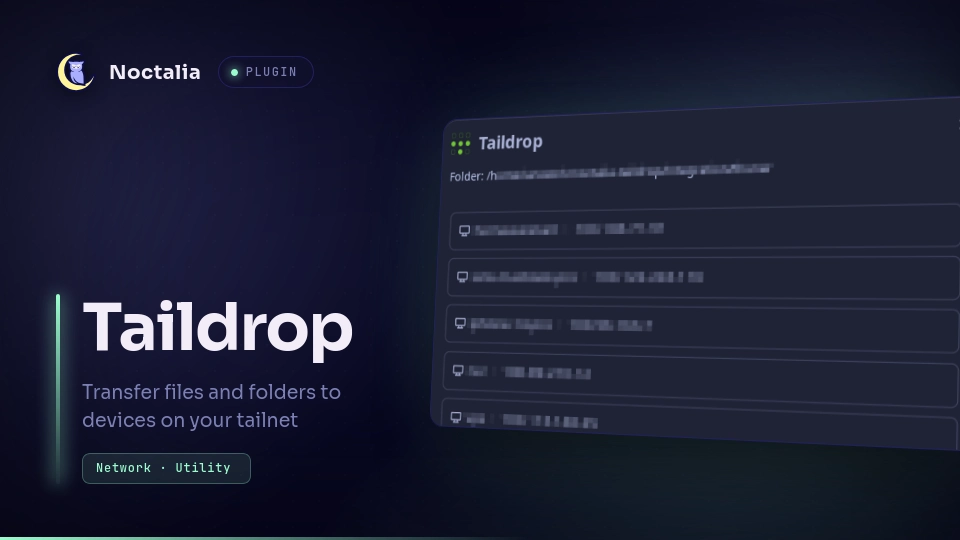
Right-click a file (or folder) in your file manager → Send via Taildrop…. The send dialog lists your selection and the eligible destinations (online first). Pick a device, then confirm.
A successful send closes the dialog automatically after a couple of seconds; a failed one stays open so you can read the error and hit Retry (re-sends to the same device) or Done.
Bridge helper
The plugin is driven by bin/noctalia-taildrop, a small Python script the file manager
calls with the selected paths. Install it somewhere on your PATH:
install -m 755 bin/noctalia-taildrop ~/.local/bin/noctalia-taildrop
File managers run it with the right placeholder — working samples for HyprFM (GNU-style
config), Nautilus, Dolphin, and Thunar are under integration/. The plugin coalesces
concurrent per-file invocations into a single dialog, and managers that pass all selected
paths at once become one request.
Settings
| Setting | Type | Default | Description |
|---|---|---|---|
tailscale_bin |
string |
tailscale |
Command name or absolute path to the tailscale CLI, if it isn't on PATH. |
IPC
The bridge helper sends a request, then surfaces the dialog:
noctalia msg plugin carlocamacho/taildrop:service all taildrop_send '<json>'
noctalia msg panel-open carlocamacho/taildrop:send
The request JSON: { "v": 1, "requestId": "<uuid>", "paths": ["/abs/path"], "origin": "file_manager" }.
paths may contain files or directories (1..32 entries, each absolute, ≤ 4096 bytes). A
matching, in-progress job is coalesced rather than re-opened.
Notes
- Trusted, unsandboxed plugin. It runs as the local user and can read/write files and spawn processes. Review the code before installing.
- License: MIT. The Tailscale mark in the dialog is the Simple Icons glyph (CC0), shown as a brand cue — this project is not affiliated with or endorsed by Tailscale or Noctalia.
- Spawns processes:
tailscale file cp,tailscale file cp --targets, and (for folders)tar+mktemp. - Filesystem: writes a private temp dir (
mktemp -d, mode 0700) when archiving folders, then removes it after the send. No config or credentials are written. - Network: only through the Tailscale CLI/daemon; imports no separate HTTP client; a destination is never added to the allowed set.
- Files-only semantics: directories are archived to
.tar.gz; large folders use temporary disk and CPU while compressing. - Receiving files (
tailscale file get) is out of scope.
Versions
| Version | Plugin API | Updated |
|---|---|---|
| v1.0.0 latest | 10 | Sep 7, 2026 |
Older versions stay installable on a Noctalia release whose plugin API is below the latest version's.