
About
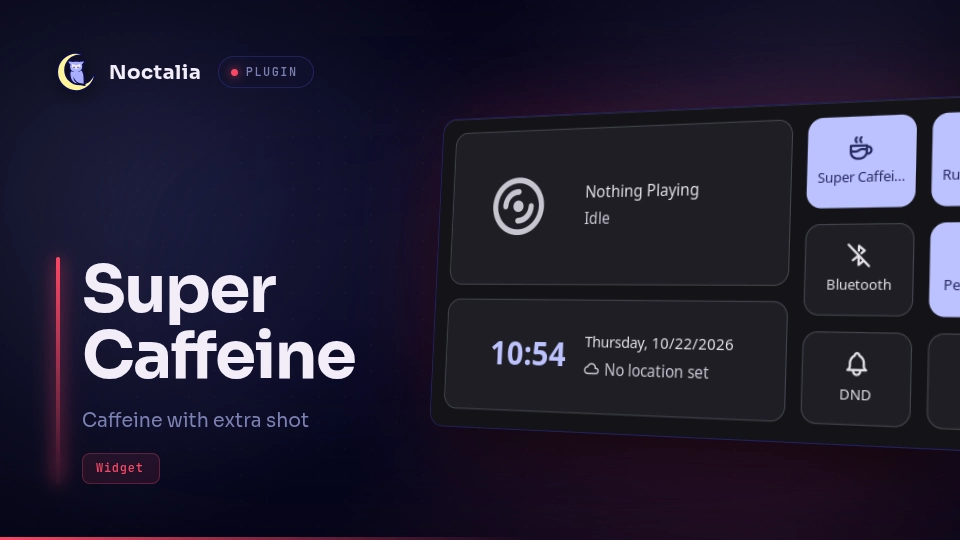
Super Caffeine
One click to keep the laptop fully awake: it enables Noctalia's caffeine (no idle lock, DPMS-off, or idle suspend) and holds a logind lid-switch inhibitor, so closing the lid doesn't suspend either. Handy for long builds, downloads, or running a closed laptop on an external monitor.
Plugin
| Field | Value |
|---|---|
| ID | bagusk99/super-caffeine |
| Entries | Bar widget: super-caffeine; shortcut: super-caffeine-toggle; service: super-caffeine-service |
Requirements
noctalia (the Noctalia CLI, used for noctalia msg caffeine-enable/disable),
systemctl, systemd-run, and systemd-inhibit from systemd, plus sleep
from coreutils, all on PATH. The session must use systemd-logind and have a
working user service manager.
Usage
Add the super-caffeine widget to a bar and left-click the cup to toggle.
A highlighted cup means both idle and lid inhibit are active.
To toggle from the Control Center, add the super-caffeine-toggle shortcut in
Settings → Control Center → Shortcuts.
IPC
The service entry super-caffeine-service accepts these events (no payload):
noctalia msg plugin bagusk99/super-caffeine:super-caffeine-service all toggle
noctalia msg plugin bagusk99/super-caffeine:super-caffeine-service all enable
noctalia msg plugin bagusk99/super-caffeine:super-caffeine-service all disable
noctalia msg plugin bagusk99/super-caffeine:super-caffeine-service all refresh
Example Hyprland keybind:
bind = SUPER SHIFT, C, exec, noctalia msg plugin bagusk99/super-caffeine:super-caffeine-service all toggle
Notes
Super Caffeine makes no network requests and writes no files. As the current
user it spawns systemctl, systemd-run, systemd-inhibit, sleep, and
noctalia msg caffeine-enable / caffeine-disable. When enabled it creates the
transient user unit super-caffeine.service (running
systemd-inhibit --what=handle-lid-switch --mode=block sleep infinity);
disabling stops that unit. The state is polled every 5 seconds with
systemctl --user is-active.
The mode ends on logout or reboot, so it always starts off. It does not modify
logind.conf and does not block suspend requested explicitly (power menu,
systemctl suspend). To recover manually:
systemctl --user stop super-caffeine.service; noctalia msg caffeine-disable
Versions
| Version | Plugin API | Updated |
|---|---|---|
| v1.0.0 latest | 3 | Oct 22, 2026 |
Older versions stay installable on a Noctalia release whose plugin API is below the latest version's.