 Noctalia
About
Scroll Indicator
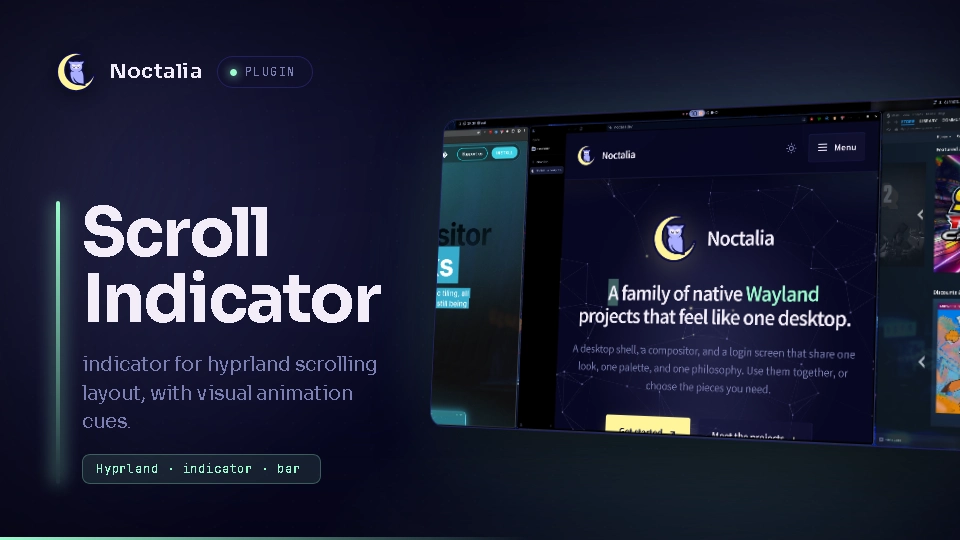
Hyprland's scrolling layout has no built-in position indicator: you can't tell how many windows are off-screen or where you are in the row. This bar widget adds one: one dot per column, ● for the focused column and ○ for the rest. It hides itself on workspaces that don't use the scrolling layout.
○ ● ○ ○ ← 4 columns, the 2nd is focused
Plugin
| Field | Value |
|---|---|
| ID | 83raiders/scroll-indicator |
| Entries | Bar widget: dots |
Requirements
- Hyprland 0.56 or newer (reads
tiledLayoutand workspace names fromhyprctl -j). hyprctlonPATH(ships with Hyprland).socatonPATH, for live updates from Hyprland's event socket. Without it the widget falls back to polling every 0.4 s.
Usage
Enable the plugin in Settings → Plugins, or run
noctalia msg plugins enable 83raiders/scroll-indicator.Add the
dotswidget to a bar section, for example insettings.toml:[bar.default] center = [ "workspaces", "scroll", "clock" ] [widget.scroll] type = "83raiders/scroll-indicator:dots"Switch to a workspace that uses the scrolling layout. The dots update as you move between columns, open or close windows. Hover the widget for "Scrolling: column 2 of 4". Windows stacked in the same column count as one dot; floating windows are not counted.
Example setup
Built for one scrolling workspace with 2/3-width columns on a large (4K) screen, used as a parking spot for apps you want to keep open but don't need to look at often (Hyprland has no minimize). Each window keeps plenty of room, and a slice of the next column stays visible.
-- Hyprland Lua config: workspace 10 (the ALT+0 key) uses the scrolling layout
hl.workspace_rule({ workspace = "10", layout = "scrolling", persistent = true })

hl.config({
  scrolling = {
    column_width = 2/3,
    follow_focus = true,
  },
})
The widget works with any column width and on any workspace using the scrolling layout.
Notes
Everything the plugin runs:
| Process | When | Why |
|---|---|---|
sh -c "hyprctl -j activeworkspace; hyprctl -j activewindow; hyprctl -j clients" |
on each relevant Hyprland event, plus every 2 s as a safety net (every 0.4 s without socat) |
read the workspace layout, the focused window and window positions |
socat -U - UNIX-CONNECT:$XDG_RUNTIME_DIR/hypr/$HYPRLAND_INSTANCE_SIGNATURE/.socket2.sock |
once, while the widget is loaded | listen to Hyprland's read-only event socket so the dots update instantly |
No network access and no file writes. Hyprland only; other compositors are not supported.
Source and issues: https://github.com/83raiders/hypr-scroll-indicator
Idea from jtams/waybar-hyprland-scroll-indicator (a Go module for Waybar). This is an independent Luau implementation for Noctalia.
Versions
| Version | Plugin API | Updated |
|---|---|---|
| v1.1.0 latest | 49 | Nov 4, 2026 |
Older versions stay installable on a Noctalia release whose plugin API is below the latest version's.