
About
Saved Desktop Widgets
Save a separate Noctalia desktop-widget layout for each wallpaper and restore it automatically when the wallpaper changes.
Plugin
| Field | Value |
|---|---|
| ID | hakanct/saved-desktop-widgets |
| Entries | Bar widget: settings_launcher; panel: settings; service: service |
Requirements
- Noctalia Shell 5.1.0 or later.
Usage
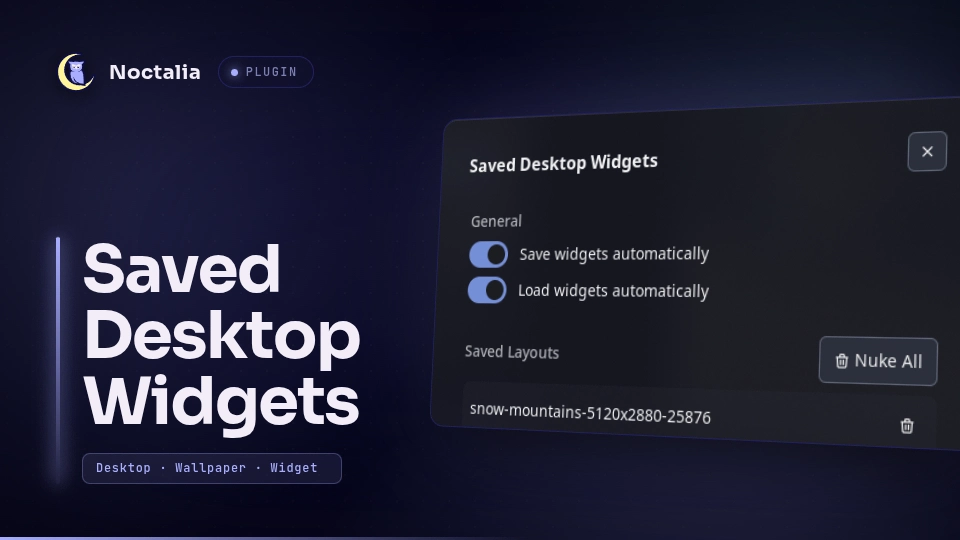
Add the settings_launcher bar widget to a bar. Clicking it opens the
Saved Desktop Widgets panel, where you can view or remove saved layouts.
You can also open the panel directly with:
noctalia msg panel-toggle hakanct/saved-desktop-widgets:settings
When Save Widgets is enabled, the service saves the current desktop-widget
layout after it changes. When Load Widgets is enabled, a saved layout is
applied after switching to a wallpaper that has a saved layout. The service
checks for changes once per second.
Settings
| Setting | Type | Default | Description |
|---|---|---|---|
saveWidgets |
bool |
true |
Save the current desktop-widget layout whenever it changes. |
loadWidgets |
bool |
true |
Apply the saved layout when the wallpaper changes. |
Notes
This plugin is a revised and updated version of the legacy v4 saved-desktop-widgets plugin.
Layouts are stored in the plugin data directory as layouts.json. Applying a
layout updates Noctalia's state file at
~/.local/state/noctalia/settings.toml, then reloads the configuration.
Versions
| Version | Plugin API | Updated |
|---|---|---|
| v1.0.0 latest | 26 | Sep 29, 2026 |
Older versions stay installable on a Noctalia release whose plugin API is below the latest version's.