
About
Run / Open Path
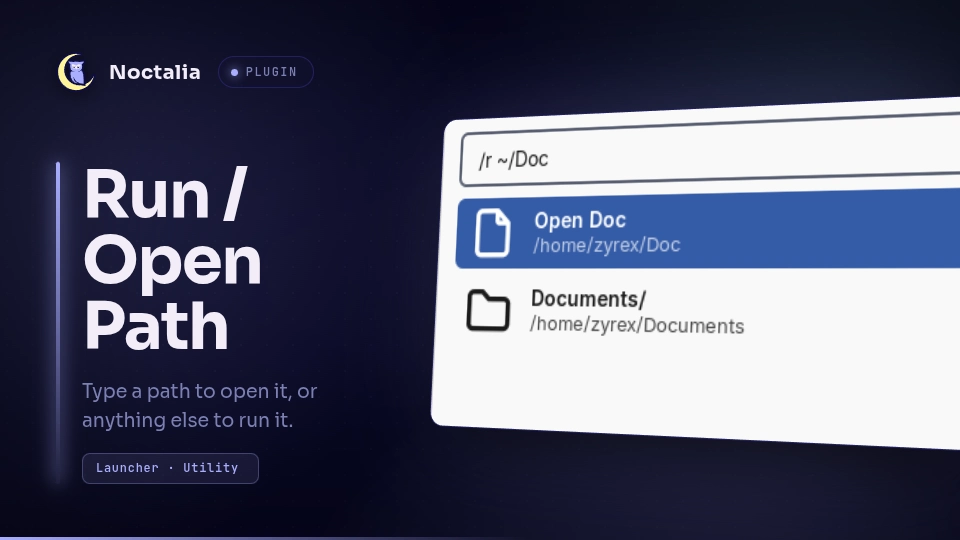
A "run or open" prompt built on Noctalia's own launcher. Type a path and it completes as you type; Enter opens it in your file manager. Type anything that isn't a path and Enter runs it as a shell command.
Plugin
| Field | Value |
|---|---|
| ID | zyrex/run-path |
| Entry | Launcher provider: run-path |
| Launcher Prefix | /r |
Requirements
Needs only a file opener; xdg-open (part of xdg-utils) is the default and
follows your desktop's file associations, so most people won't need to change
it.
Usage
Open the launcher and type /r followed by a path or a command:
/r ~/Doc          →  Documents/            (completion)
/r ~/Documents    →  Open Documents        (Enter → file manager)
/r /etc/fstab     →  Open fstab            (Enter → default handler)
/r btop           →  Run: btop             (Enter → sh -c btop)
Path mode is chosen when the input starts with
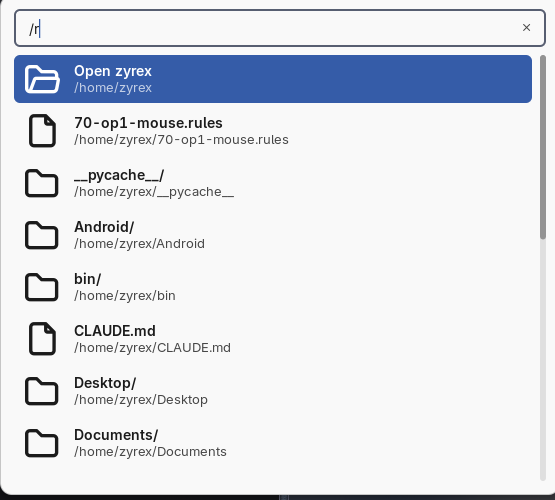
/,~or.. Everything else is command mode.The first row is always "Open ⟨name⟩" for whatever the input currently resolves to, and the launcher preselects it — so typing a path and pressing Enter opens it.
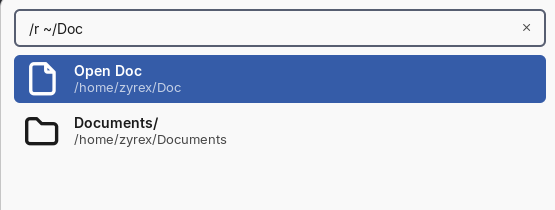
Activating a directory row below it descends into that directory instead of opening it (via
launcher.setQuery), so the list doubles as navigation without a second keybind.~expands to your home directory..and..resolve against your home directory, not a process working directory — the launcher has none.An empty input lists your home directory, so the keybind on its own is useful:
Anything that isn't path-like runs as a shell command via
sh -cwhen activated: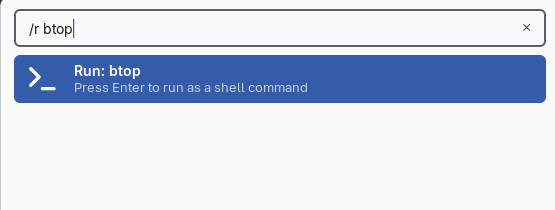
Bind it in your compositor. For Hyprland:
bind = SUPER, R, exec, noctalia msg panel-toggle launcher "/r "
Settings
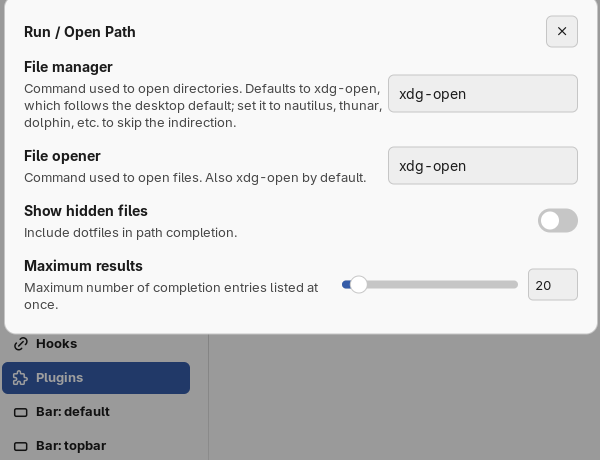
| Setting | Type | Default | Description |
|---|---|---|---|
file_manager |
string |
xdg-open |
Command used to open directories. Set to nautilus, thunar, dolphin, etc. to skip the xdg-open indirection. |
file_opener |
string |
xdg-open |
Command used to open files. |
show_hidden |
bool |
false |
Include dotfiles in path completion. |
max_results |
int |
20 |
Maximum number of completion entries listed at once. |
Notes
- Completion is prefix-based (case-insensitive), not fuzzy: typing
~/DocmatchesDocuments/but not, say, a folder namedMyDocs. - Commands run detached with no terminal (
sh -c <command>, no output shown). There is no "run in terminal" mode. - A path containing a literal
~other than at the very start is not un-expanded — only a leading~is treated specially.
Versions
| Version | Plugin API | Updated |
|---|---|---|
| v1.0.0 latest | 3 | Sep 6, 2026 |
Older versions stay installable on a Noctalia release whose plugin API is below the latest version's.