 Noctalia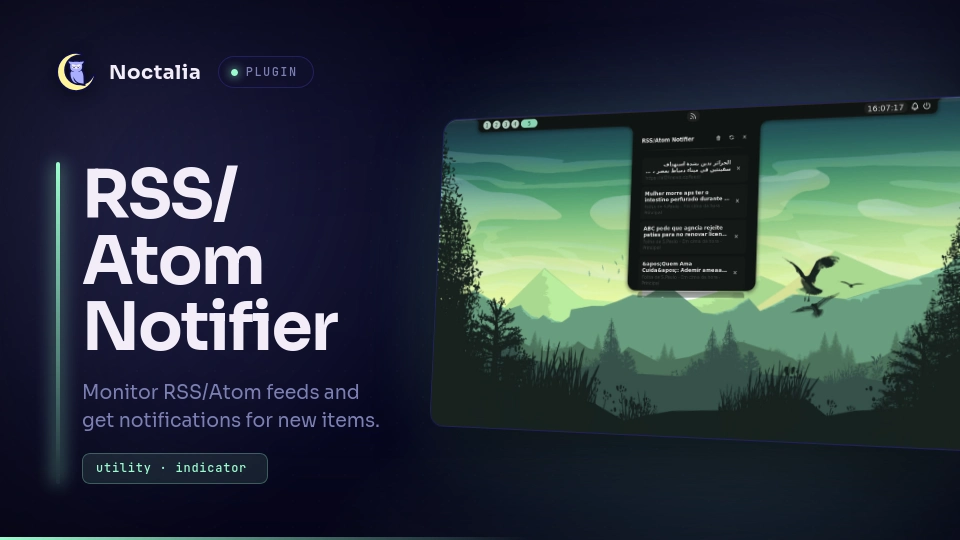
About
RSS/Atom Notifier
Monitor RSS/Atom feeds and get notifications for new items.
Plugin
| Field | Value |
|---|---|
| ID | nilsonlinux/rss-notifier |
| Entries | Bar widget: indicator; Panel: Panel |
Entries:
- Service:
fetcher- Background service that fetches and parses feeds - Widget:
badge- Shows unread count on the bar - Panel:
panel- Displays feed items in a panel
IPC Command:
noctalia msg panel-toggle nilsonlinux/rss-notifier:Panel text
Settings
| Setting | Type | Default | Description |
|---|---|---|---|
refresh_minutes |
int | 30 |
How often to check for new items (1-1440 minutes) |
notify_new |
bool | true |
Display notifications when new items arrive |
max_notifications_per_cycle |
int | 5 |
Maximum notifications shown per check (1-50) |
show_feed_images |
bool | true |
Show the feed's photo (logo) on each card, with the item's cover or the site's favicon as a fallback. |
glyph (widget) |
glyph |
rss |
Icon shown in the bar for the status widget. |
Feed URLs are not a plugin setting anymore: add (or remove) feeds directly
from the panel via the + button next to the refresh button.
Post images
Each card always tries to show the post's own photo, extracted from the feed:
<enclosure> (RSS 2.0), media:thumbnail/media:content (Media RSS), or the
first <img> inside <description>/<content> - scanning the whole item,
not just its start. If the post has no image, it falls back to the feed's own
logo and then to the site's favicon.
Installation
Install via Noctalia Plugin Store.
Requirements
xdg-open- Required to open feed URLs in your default web browser. Usually pre-installed on most Linux distributions.
Usage
- Click the widget to open the panel
- Use the
+button to add feed URLs (and manage them) - The widget will show a badge with unread count
- Click an item to open it in your default browser
Dependencies
xdg-open
License
MIT
Versions
| Version | Plugin API | Updated |
|---|---|---|
| v1.3.1 latest | 43 | Oct 25, 2026 |
| v1.3.0 | 14 | Oct 16, 2026 |
Older versions stay installable on a Noctalia release whose plugin API is below the latest version's.