
About
Port Forwarding
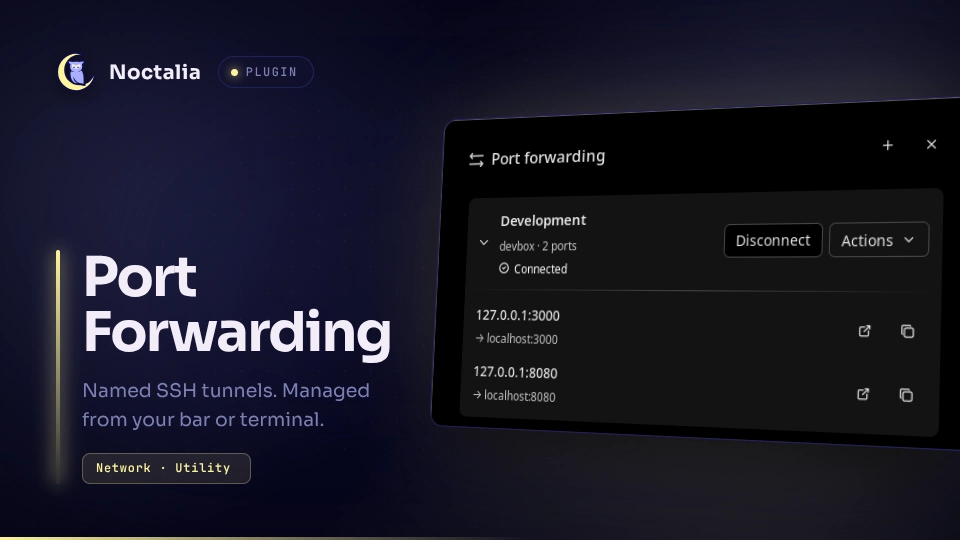
Manage named SSH forwarding profiles from your bar. Each profile contains an SSH destination and one or more local-port → remote-host:remote-port mappings. Connections run independently of Noctalia, with a standalone CLI for the same controls.
Plugin
ID: ghillb/portforward
| Type | ID | Purpose |
|---|---|---|
| Service | status |
Connection status |
| Widget | indicator |
Show connection state and open the panel |
| Panel | panel |
Manage profiles, connections and diagnostics |
| Panel | compact |
Open a shorter panel for small profile lists |
Requirements
python3: Python 3.11 or newer.ssh: OpenSSH 8.7 or newer.systemctl: systemd user services.- Noctalia v5 with plugin API 24 or newer.
Optional: xdg-open for browser opening, journalctl for logs, and wl-copy for
CLI clipboard copying. Installation needs no root access or separate Python packages.
Usage
Enable the plugin and add its indicator widget to your bar. Click the widget,
add a profile, then select Connect. Saving a new profile leaves it disconnected.
Expand profiles to open or copy their local addresses. The Actions menu contains
Edit, Details & logs, and Delete. Local listeners bind to 127.0.0.1; port
conflicts are reported without changing your configured ports. Systemd reconnects
after transport interruptions. Autoconnect is not currently supported.
Open either panel from a compositor binding or terminal:
noctalia msg panel-toggle ghillb/portforward:panel
noctalia msg panel-toggle ghillb/portforward:compact
The included CLI is ~/.local/bin/portforward. Add ~/.local/bin to your PATH if
needed. Use portforward --help for commands and portforward doctor to check
setup. Correct setup errors and re-enable the plugin to retry. Disconnect
profiles to apply pending backend updates.
SSH host-key confirmation must be completed in a terminal. Unlock encrypted keys with your existing SSH agent. The plugin never asks for or stores passwords.
Storage and removal
Saved profiles: $XDG_CONFIG_HOME/portforward (default ~/.config/portforward).
See the project README
for other file locations.
Disable the plugin, run ~/.local/bin/portforward uninstall, then remove it in
Noctalia. This stops tunnels and removes the backend; saved profiles are retained.
Removing only the plugin leaves the CLI and any tunnels running.
See the project README for the CLI reference, screenshots and walkthrough.
Versions
| Version | Plugin API | Updated |
|---|---|---|
| v0.1.3 latest | 24 | Oct 6, 2026 |
Older versions stay installable on a Noctalia release whose plugin API is below the latest version's.