 Noctalia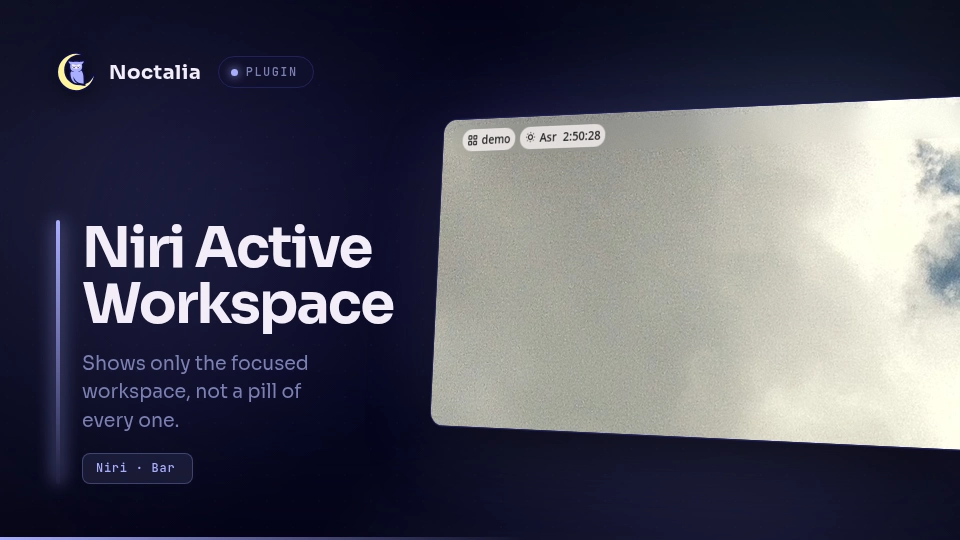
About
Niri Active Workspace
A bar widget that shows only the workspace you are on, instead of a pill listing every workspace.
Noctalia's built-in workspaces widget always renders one slot per workspace.
With named workspaces, or under niri — which keeps a trailing empty workspace at
all times — that pill is wider than the information in it, and inactive_pill_size
only shrinks inactive slots to a floor of 0.25, it cannot hide them. This
widget renders a single label and puts the full list in the tooltip.
Plugin
| Field | Value |
|---|---|
| ID | salemsayed/niri-active-workspace |
| Entries | Bar widget: active-workspace |
Requirements
niri. The plugin API exposes no compositor state, so all workspace data comes from niri's own IPC (niri msg). The widget is niri-only and will show a placeholder under any other compositor.
Usage
Add it from Settings → Bar, choose a section, and pick Niri Active
Workspace from the widget list. It replaces the built-in workspaces widget;
remove that one if you do not want both.
The widget shows the workspace name, falling back to its index when the workspace is unnamed.
| Gesture | Action |
|---|---|
| Left click | Toggle the niri overview |
| Scroll up / down | Focus the workspace above / below |
Hover for a tooltip listing every workspace on the same monitor, with ●
marking the focused one and ○ the rest.
Multiple monitors
Noctalia renders a bar per output. Each widget instance resolves its own connector and tracks the workspace that is active on that output, so the bar on each monitor shows that monitor's workspace rather than whichever one holds keyboard focus. If the host cannot report the output, the widget falls back to the globally focused workspace.
Settings
| Setting | Type | Default | Description |
|---|---|---|---|
label_mode |
select |
name_or_index |
What to show. name_or_index uses the workspace name and falls back to its index; name shows the name only; index shows the index only; both shows index:name. |
show_position |
bool |
false |
Append the workspace's position among that monitor's workspaces, for example comms 2/5. |
glyph |
glyph |
layout-grid |
Icon shown before the label. |
Notes
Processes. The widget spawns niri msg and nothing else:
niri msg --json workspaces— once at load, and again on a 60-second tick as a self-heal in case the event stream dies.niri msg --json event-stream— a single long-lived subscription, the source of live updates.WorkspacesChangedandWorkspaceActivatedare handled; all other events are ignored.niri msg action toggle-overview,focus-workspace-down,focus-workspace-up— only in response to a click or scroll.
No network access. No filesystem reads or writes. The widget keeps its state in memory and writes nothing to disk.
Workspace identity. niri marks one workspace is_active per output and
exactly one is_focused globally. On a single monitor these are the same
workspace, so the two code paths agree.
Versions
| Version | Plugin API | Updated |
|---|---|---|
| v1.1.0 latest | 3 | Aug 3, 2026 |
Older versions stay installable on a Noctalia release whose plugin API is below the latest version's.