
Back to plugins 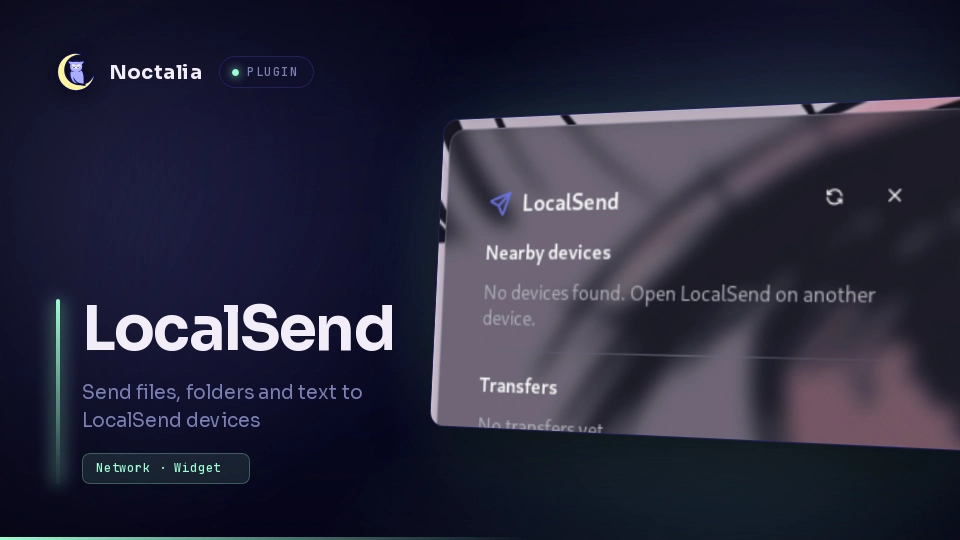
v0.2.1 mera
About
LocalSend
Send and receive files, folders and text with LocalSend devices on your network, straight from the Noctalia bar. It talks the LocalSend v2 protocol, so it works with the LocalSend apps on Android, iOS, Windows, macOS and Linux.
Plugin
| Field | Value |
|---|---|
| ID | mera/localsend |
| Entries | Bar widget: widget; panel: panel; service: service |
Requirements
Install these on PATH:
python3(3.10 or newer, standard library only)openssl(creates the device certificate on first start)zenity(file and folder pickers)
Close the official LocalSend app on this computer while the plugin runs: both use port 53317 by default. Change the port in the settings if you need both.
Usage
- Add
mera/localsend:widgetto a bar section (for exampleend = [ ..., "mera/localsend:widget", ... ]). - Click the widget to open the panel. Nearby devices appear automatically.
- Click a device to pick files and send them. Use the folder button to send a whole folder and the clipboard button to send the current clipboard text.
- When someone sends you something, a notification appears and the panel opens with Accept and Reject.
Received files go to the save folder (default
~/Downloads/LocalSend). Received text can be copied from the panel.
Open the panel from a keybind or script:
noctalia msg panel-toggle mera/localsend:panel
Settings
| Setting | Type | Default | Description |
|---|---|---|---|
alias |
string |
hostname | Name other devices see. Empty uses the hostname. |
save_dir |
folder |
~/Downloads/LocalSend |
Where received files are written. |
auto_accept |
bool |
false |
Skip the confirmation prompt for incoming files. |
pin |
string |
empty | Senders must provide this PIN to send to you. Empty disables it. |
port |
int |
53317 |
LocalSend port (advanced). |
control_port |
int |
53318 |
Loopback port between the plugin and its daemon (advanced). |
IPC
noctalia msg plugin mera/localsend:widget focused toggle   # open or close the panel
noctalia msg plugin mera/localsend:service all rescan      # announce again and look for devices
Notes
- Architecture.
service.luaustartsdaemon/localsendd.py, a small background process that handles LocalSend discovery (UDP multicast224.0.0.167:53317), the HTTPS server for receiving, and sending. The Luau side only talks to it overhttp://127.0.0.1:<control port>. Every request must carry a random per-run token that the daemon writes tocontrol.token(mode 0600, in its private 0700 data directory), so only your user can drive it. The PIN is handed to the daemon through a file it deletes after reading, not on the command line. - Network. Multicast announcements on the local network, an HTTPS server on the LocalSend port, and HTTPS requests to other devices on the LAN. Nothing leaves your network and no remote code is downloaded.
- Files. Writes only to the save folder (names are sanitised and cannot escape it) and to the plugin data directory (device certificate, private key and control token, mode 600). Files you pick are read, never modified.
- Processes.
python3for the daemon,opensslonce to create the certificate,zenityfor file pickers. - Security. Transfers use TLS with a self-signed per-device certificate, as LocalSend does. Without a PIN, anyone on your network can send you a request (you still have to accept it unless auto-accept is on).
- Limits. Sending to a device that requires a PIN is not supported yet. Folder sends are capped at 5000 files and text messages at 1 MiB.
- Tests.
python3 -m unittest discover -s testsruns the daemon's integration tests on loopback.
Versions
| Version | Plugin API | Updated |
|---|---|---|
| v0.2.1 latest | 24 | Oct 24, 2026 |
Older versions stay installable on a Noctalia release whose plugin API is below the latest version's.