 Noctalia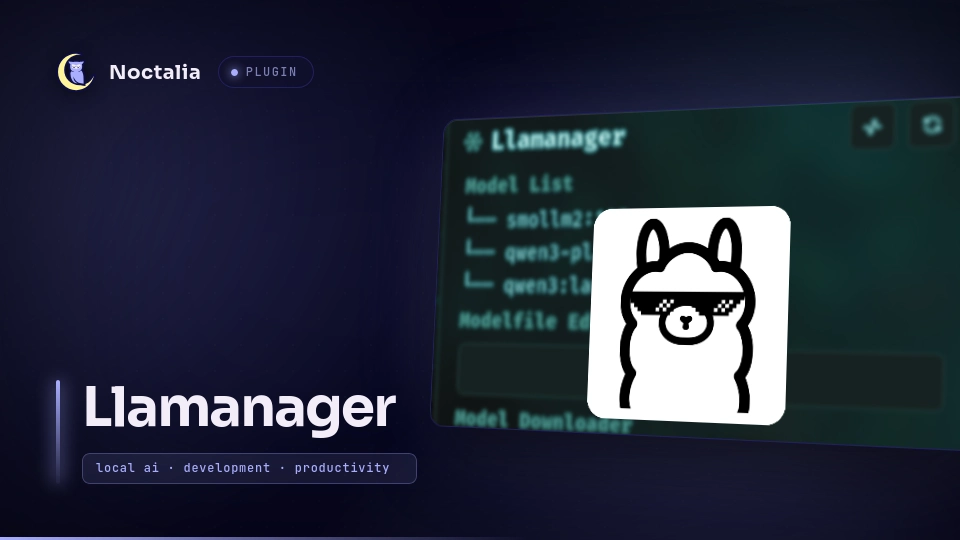
About
Llamanager
A Noctalia v5 plugin for managing local Ollama models, Modelfiles, and runtime state.
Llamanager provides a graphical frontend for Ollama inside Noctalia. It wraps the Ollama CLI and HTTP API into a single panel, and allows model management, runtime inspection, model downloads, Modelfile editing, and launcher integration without requiring direct terminal interaction.
Demo


Plugin
| Field | Value |
|---|---|
| ID | marccvictoria/llamanager |
| Entries | bar widget: widget; service: registry; launcher_provider: launcher; panel: panel |
| Launcher Prefix | /ll |
Usage
Before using Llamanager, complete the following setup steps:
- Install Ollama and ensure it is available on your
PATH. See Requirements. - Open the plugin settings and configure:
- the Modelfile directory
- the preferred AI model used by the launcher
- Add the Llamanager widget to your Noctalia bar.
Requirements
- Noctalia v5
ollamaavailable on yourPATH: required for model management, downloads, launching models, and Modelfile operations.
Verify the installation:
ollama --version
Settings
| Setting | Type | Description |
|---|---|---|
modelfile_path |
folder |
Directory containing user Modelfiles. |
launcher |
string |
Model used by the launcher. |
Implementation
Panel
panel.luau renders whichever view is currently active. User interactions dispatch commands through llamanager.nextCommand; the service performs the requested operation, updates state, and the panel re-renders.
registry.luau is the headless service responsible for interacting with Ollama. Filesystem operation, CLI invocation, and HTTP request originates here. It discovers installed models through ollama list, queries runtime information from the Ollama HTTP API, manages Modelfiles on disk, downloads models through /api/pull, and executes ollama create and ollama rm when building or deleting models.
Model List. The list displays every model currently installed in Ollama. To launch a model, select it from the model selector and click the launch button. This executes ollama run <model> and opens an interactive session in a new terminal window.
Model Downloader. Downloads models directly through Ollama's HTTP API. Downloads execute using the streaming /api/pull endpoint and automatically refresh the model library after completion.
Modelfile Editor. Modelfiles are ordinary text files stored inside the configured Modelfile directory, with the suffix .modelfile.
- Load into Ollama. Builds the modelfile into an ollama model by executing ollama create.
- Delete model/modelfile. Deleting a modelfile also deletes the model in ollama using
ollama rm. In case the modelfile has not been loaded yet to ollama, it will only delete the modelfile. When deleting a model, it is recommended to include their tag, e.g.qwen3:latest. - Create Modelfile. Creating a Modelfile requires the Name field to be populated. This only creates the Modelfile on the directory and does not register it with Ollama. To make the model available in Ollama, use Load into Ollama after creating or editing the Modelfile.
- Edit Modelfile. Editing a Modelfile also requires the Name field to be populated. Saving changes only updates the Modelfile on the directory; it does not update the existing Ollama model. After modifying the Modelfile, use Load into Ollama to rebuild and apply the changes.
Runtime Dashboard
Queries http://localhost:11434/api/ps and displays:
- Running models
- Parameter size
- Quantization level
- Context length
- Expiration time
- Ollama version
- API connectivity
Launcher
The launcher entry llamanger.luau is independent from the panel. Queries submitted through /ll execute the configured model directly with ollama run.
The launcher provides quick model execution through /ll <question> //. Append // to send, the model response can be seen through notification and can be copied in your clipboard by pressing Enter key.
IPC
noctalia msg panel-toggle marccvictoria/llamanager:panel
License
Versions
| Version | Plugin API | Updated |
|---|---|---|
| v1.0.0 latest | 4 | Aug 1, 2026 |
Older versions stay installable on a Noctalia release whose plugin API is below the latest version's.