 Noctalia
About
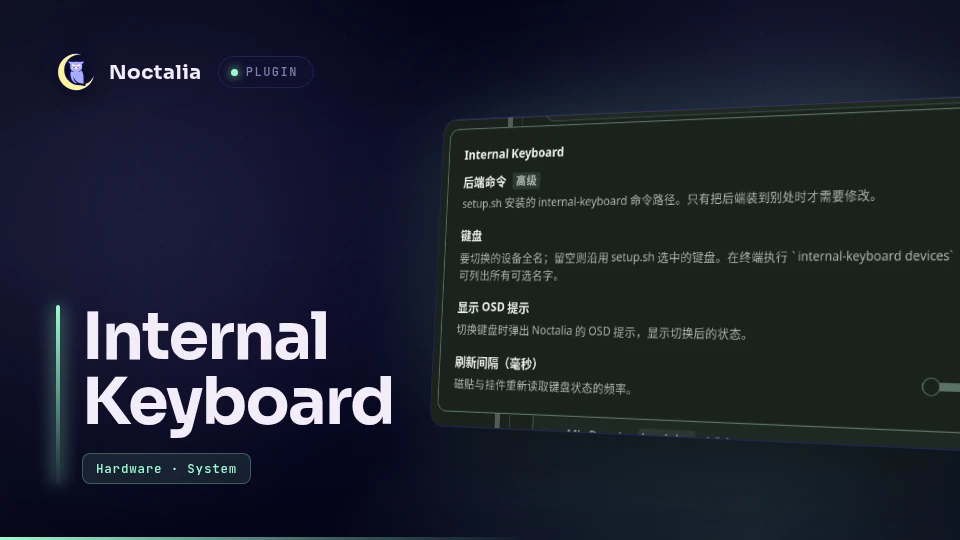
Internal Keyboard
Turn one keyboard off while an external one is in use, and back on when you need it, from the control center, a bar widget, or a text console. The TTY consoles keep working, so a disabled keyboard can always be re-enabled without unplugging anything or rebooting.
Plugin
| Field | Value |
|---|---|
| ID | goldesquemoon/internal-keyboard |
| Entries | Service: service; shortcut: toggle; bar widget: keyboard |
Screenshots
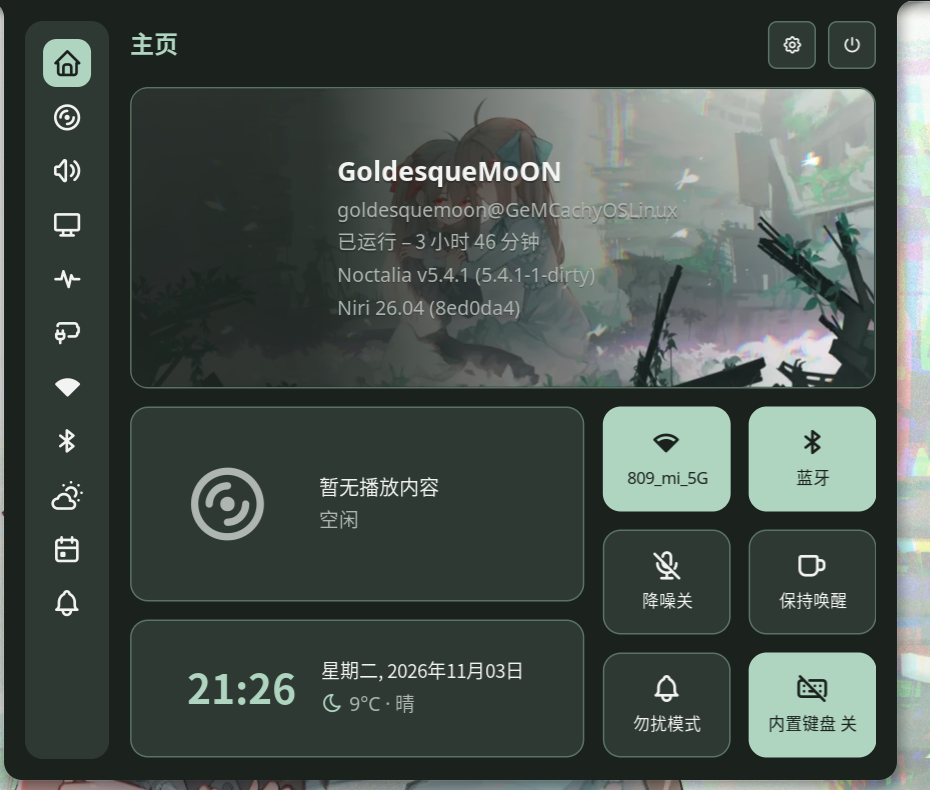
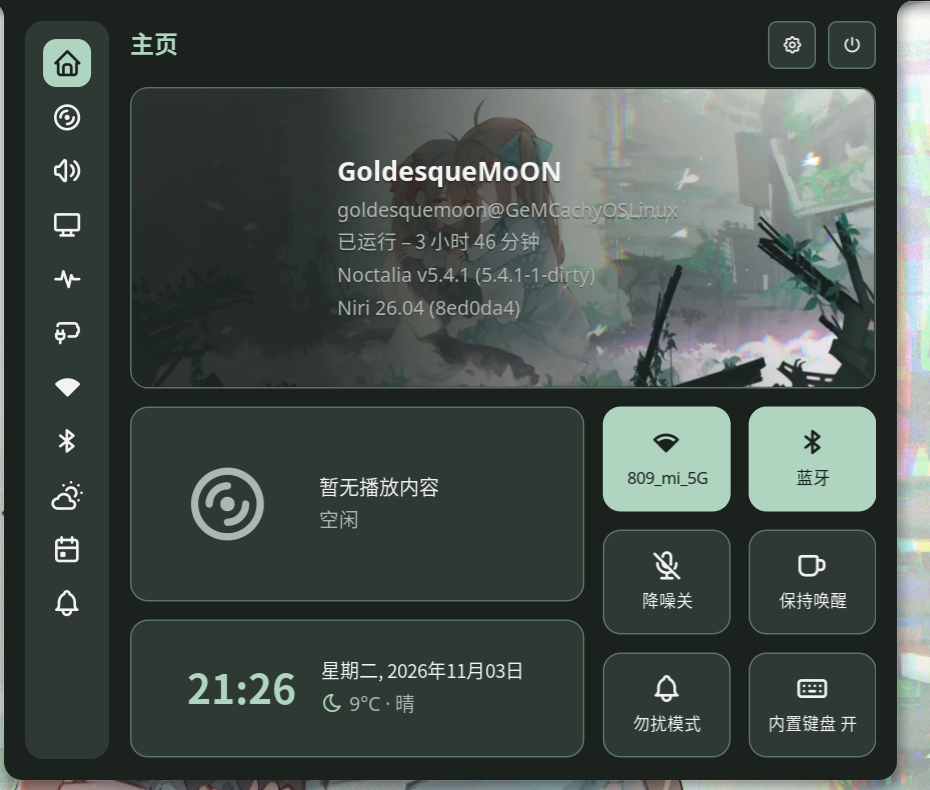
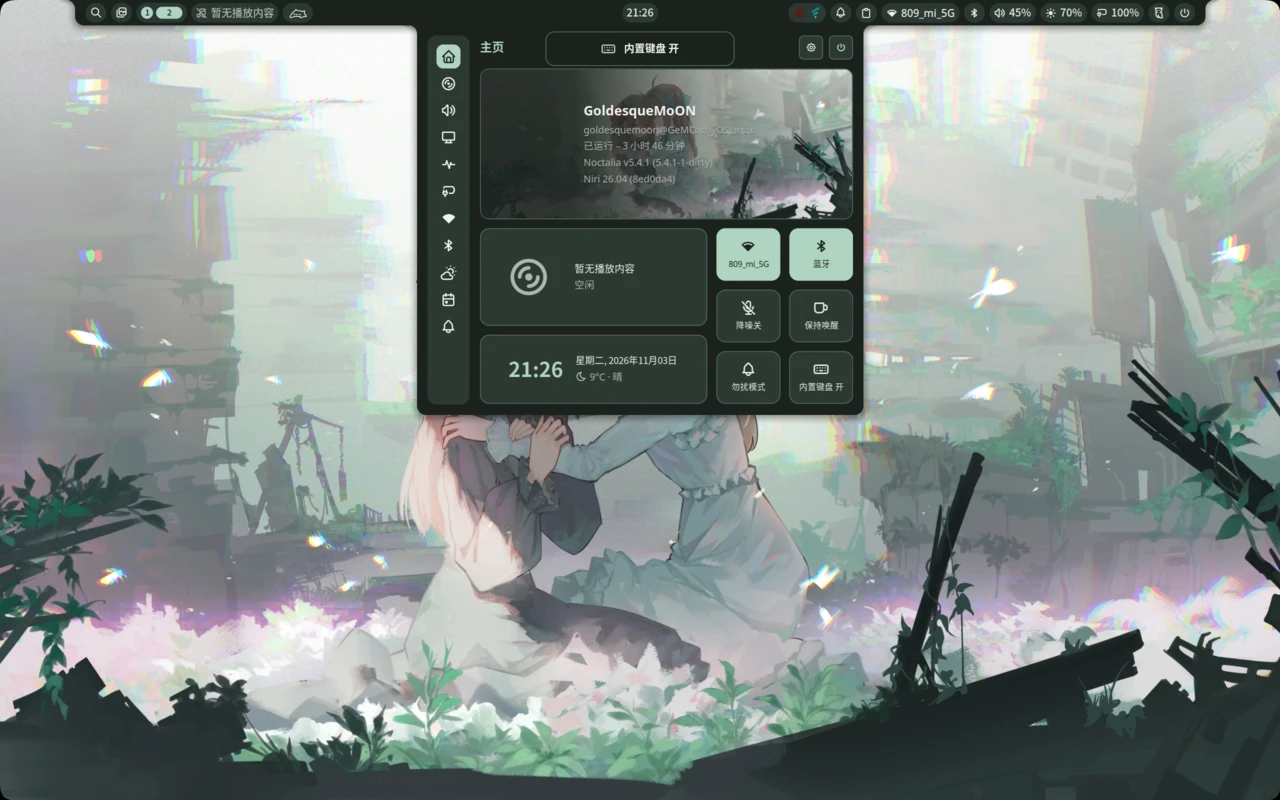
| Control center — keyboard off | Control center — keyboard on | OSD on every toggle |
|---|---|---|
 |
 |
 |
Requirements
| Requirement | Why |
|---|---|
sudo |
The service calls the backend without a password prompt. |
udevadm |
Re-announces the keyboard so libinput re-reads the ignore property. |
sh |
The backend and the setup script are POSIX shell. |
| A libinput-based compositor | Niri, Hyprland, Sway and friends. The switch happens on the libinput layer, so Xorg sessions are not supported. |
| One-time root setup | sudo ./setup.sh inside this plugin's directory. |
setup.sh installs two files and can be re-run at any time:
/usr/local/bin/internal-keyboard- the backend CLI (root:root,0755)/etc/sudoers.d/internal-keyboard- passwordlesson,off,toggleandselectfor that one script
It then delegates to internal-keyboard select, which writes the two pieces that know about
the keyboard: /etc/internal-keyboard/device-name and
/etc/udev/rules.d/90-internal-keyboard.rules.
By default the built-in keyboard is the event node under i8042/serio0, which is where the
PS/2 keyboard lives on virtually every laptop. Use --device "Some Keyboard" to install with
another keyboard selected, internal-keyboard devices to list the candidates, or the
Keyboard setting to switch later without touching the shell.
Usage
Add the tile once under Settings -> Control center -> Shortcuts -> Internal Keyboard, or
write it into ~/.config/noctalia/config.toml:
[[control_center.shortcuts]]
type = "goldesquemoon/internal-keyboard:toggle"
A highlighted tile means the keyboard is disabled. Left click toggles it, right click re-reads
the backend state. The optional keyboard bar widget shows the same state and toggles it from
the bar. Every toggle raises the usual Noctalia OSD popup - keyboard glyph plus the new state,
muted while the keyboard is off - which the Show OSD popup setting can turn off.
No key is bound for you. To add one, bind this command in your compositor config:
noctalia msg plugin goldesquemoon/internal-keyboard:service all toggle
// niri
Mod+Shift+K { spawn-sh "noctalia msg plugin goldesquemoon/internal-keyboard:service all toggle"; }
# Hyprland
bind = SUPER SHIFT, K, exec, noctalia msg plugin goldesquemoon/internal-keyboard:service all toggle
# Sway
bindsym $mod+Shift+k exec noctalia msg plugin goldesquemoon/internal-keyboard:service all toggle
From a terminal or TTY:
internal-keyboard status              # state=on|off, device=..., available=0|1, nodes=...
internal-keyboard devices             # keyboards that can be switched, * marks the current one
sudo internal-keyboard off
sudo internal-keyboard on
sudo internal-keyboard toggle
sudo internal-keyboard select NAME    # also what the Keyboard setting does
status and devices are read-only and need no privileges. The four state-changing
subcommands need root; the backend never elevates itself, the sudoers entry that
setup.sh installs only makes that sudo call work without a password prompt. Toggling
from a TTY is the way back when the internal keyboard is the one that got disabled:
# on a text console, after Ctrl+Alt+F2 and logging in
sudo internal-keyboard on
Settings
| Setting | Type | Default | Description |
|---|---|---|---|
device |
string |
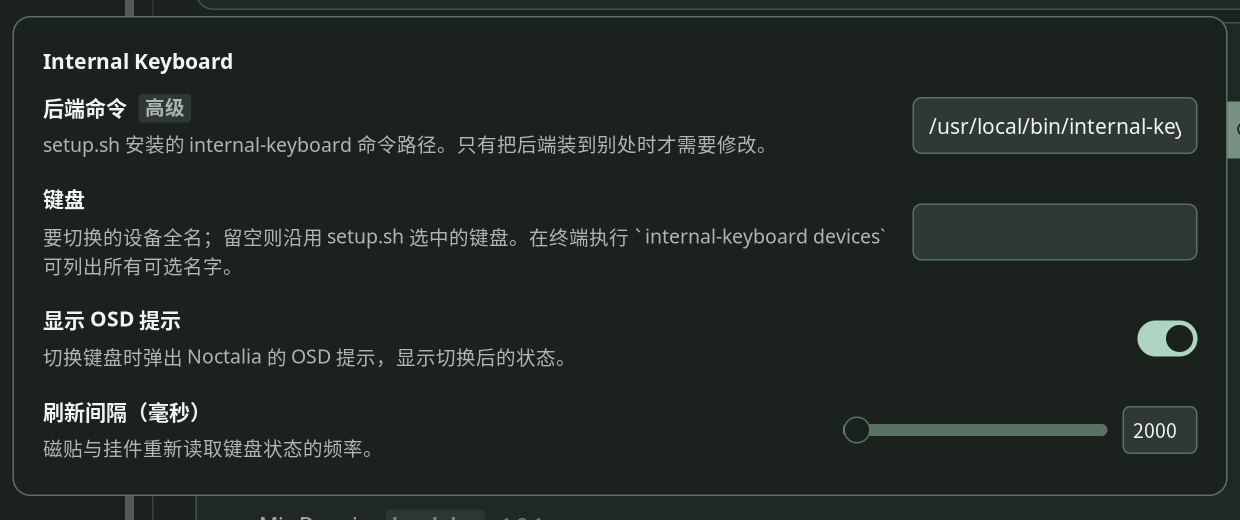
empty | Keyboard to switch, by exact name (internal-keyboard devices lists them). Empty keeps the keyboard selected by setup.sh. |
show_osd |
bool |
true |
Show the OSD popup on every switch. |
poll_interval |
int |
2000 |
How often the tile and widget re-read the state, in milliseconds (minimum 500). |
backend |
string |
/usr/local/bin/internal-keyboard |
Path of the backend CLI, kept under the advanced toggle. Change it only if you installed it elsewhere. |
Manifest settings only accept static dropdown options - there is no way to fill one from the devices found at runtime - so the keyboard is named here instead of picked from a dropdown.
IPC
noctalia msg plugin goldesquemoon/internal-keyboard:service all toggle
noctalia msg plugin goldesquemoon/internal-keyboard:service all on
noctalia msg plugin goldesquemoon/internal-keyboard:service all off
noctalia msg plugin goldesquemoon/internal-keyboard:service all refresh
Notes
- How the switch works. A disabled keyboard is recorded as
/run/internal-keyboard/disabled. The backend then re-announces the device to udev (synthetic remove plus add), the udev rule setsLIBINPUT_IGNORE_DEVICE=1, and libinput'sevdev_device_create()drops the device before the compositor ever sees it. A plain udev "change" event would not work: libinput only reads that property when a device appears. - Boot default is enabled. The flag lives in
/run(tmpfs), so it never survives a reboot and the keyboard always comes back. - The TTY keeps the keyboard. The kernel side (
i8042/atkbd) is untouched; only libinput clients ignore the device. That is what makesCtrl+Alt+F2plussudo internal-keyboard ona reliable recovery path. - Privileges. The sudoers entry is limited to four subcommands of one root-owned script
that the user cannot modify.
selectvalidates the name against the keyboards the kernel currently exposes before it rewrites the udev rule, so it cannot be used to inject arbitrary rule content. There is no general-purpose passwordless rule.uninstall.shremoves everythingsetup.shwrote. - No network access. The plugin only reads sysfs,
/proc/bus/input/devicesand the udev database, and runssudo -nfor the backend. - Plugin API 39 is required for the OSD popup (
noctalia.osd). - Troubleshooting. If a toggle does nothing, the backend prints
LIBINPUT_IGNORE_DEVICE=x, expected yon stderr; reload the rules withsudo udevadm control --reload-rulesand try again. Every state change is logged asinternal-keyboard: state <on|off> ...in~/.cache/noctalia/noctalia.log, which tells you whether the backend, the service, or the UI is the stale part.
Versions
| Version | Plugin API | Updated |
|---|---|---|
| v1.2.1 latest | 39 | Nov 3, 2026 |
Older versions stay installable on a Noctalia release whose plugin API is below the latest version's.