 Noctalia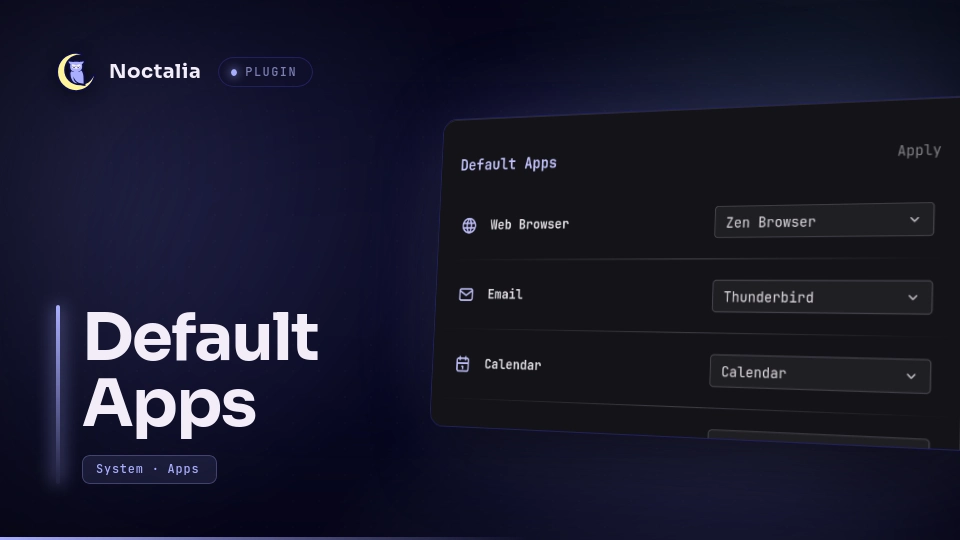
About
Default Apps
View and change your XDG default applications from Noctalia: web browser, email, calendar, file manager, terminal, music/video players, image viewer, text editor, PDF viewer, archive manager, word processor, and BitTorrent client. Changes are written through xdg-mime, so they apply desktop-wide.
Plugin
- Id:
thaer99ob/default-apps - Panel entry:
manager - Widget entry:
current - Launcher entry:
search(Prefix:/apps)
Requirements
xdg-utils
Usage
Panel
Open the manager panel from the bar widget, via the Noctalia launcher by typing /apps, or with:
noctalia msg panel-toggle thaer99ob/default-apps:manager
Each row shows a category, its current default, and a dropdown of installed applications. Select your preferred applications from the dropdowns and click the Apply button to save all changes at once.
Bar widget
Add the widget to a bar from the widget picker. It provides a clean shortcut icon on your bar. Clicking it opens the manager panel.
Launcher
Open the Noctalia global search and type /apps. Clicking the provider will immediately launch the configuration panel.
Notes
- Defaults are stored by
xdg-mimein~/.config/mimeapps.list. - Candidate apps come from desktop entries in standard system and Flatpak paths.
Versions
| Version | Plugin API | Updated |
|---|---|---|
| v1.0.1 latest | 24 | Sep 22, 2026 |
Older versions stay installable on a Noctalia release whose plugin API is below the latest version's.