 Noctalia
About
Charge Mode
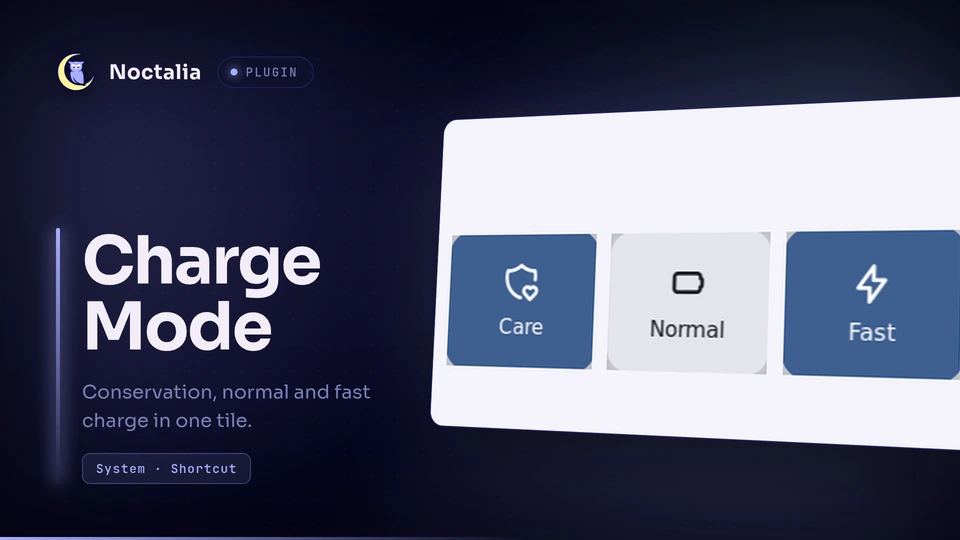
Charge Mode is a Control Center shortcut plugin for Noctalia (v5) that cycles the
battery charge type through the kernel's standard charge_types power-supply attribute:
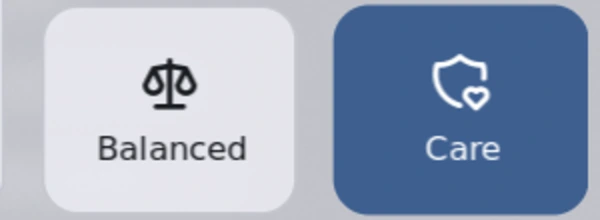
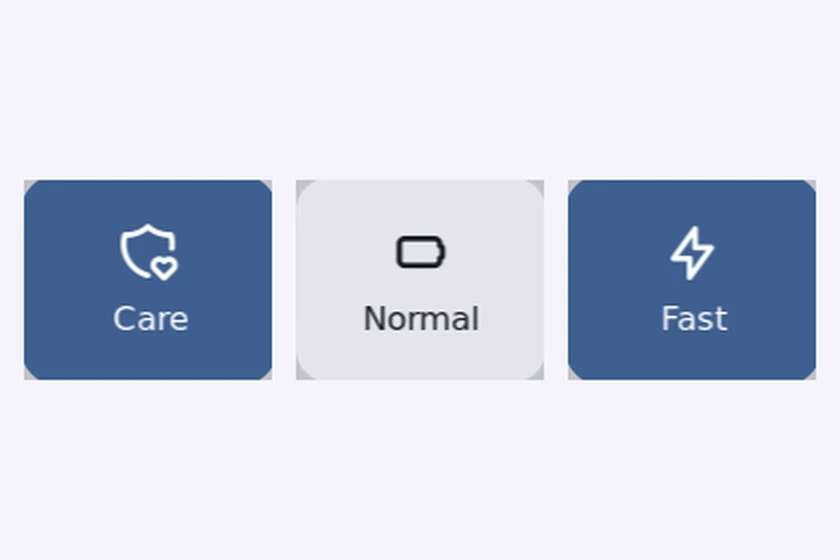
Care (Long_Life) → Normal (Standard) → Fast charge (Fast).
The kernel exposes these as one mutually exclusive charge type, so the tile cycles all three instead of pretending
they are independent switches. It covers Lenovo Legion and IdeaPad laptops, and any other laptop whose ideapad-laptop
or vendor driver publishes charge_types.
It replaces the older conservation_mode sysfs attribute most tutorials and tools still write to: the kernel marks
that attribute deprecated (writing it logs conservation_mode attribute has been deprecated, see charge_types) and
charge_types covers conservation and fast charge through one interface.
Plugin
| Field | Value |
|---|---|
| ID | neoscaler/charge-mode |
| Entries | Shortcut: charge |
Requirements
- Linux kernel 6.19 or newer for the three states:
charge_typesexists since 6.17, but theFastvalue (rapid charge) was only added toideapad-laptopin 6.19. Kernels before 6.17 expose only the deprecatedconservation_modeattribute, so the tile stays disabled and showsN/A. - The
pkexec,sudo,sh,chownandudevadmcommands for the one-time setup.
Usage
Add the charge shortcut under Settings → Control Center shortcuts. Each click advances to the next charge type;
the label and icon show the type the firmware reports after the write.
| Charge type | Label | Icon |
|---|---|---|
Long_Life |
Care (caps charging below 100%) | shield-heart |
Standard |
Normal | battery |
Fast |
Fast | bolt |
Conservation and fast charge are mutually exclusive in the firmware: enabling one switches the other off. The kernel sequences those writes, so cycling the tile is always safe.
One-time setup, then no prompts
Writing charge_types needs root. The first click that cannot write runs setup.sh once: it writes
/etc/udev/rules.d/99-charge-mode.rules, which hands the attribute to your user via chown, and applies it
immediately — no logout, no reboot. Every later click writes directly.
The setup prompt appears once. If pkexec cannot show a prompt because no polkit agent is running, the plugin falls
back to a terminal with sudo (Noctalia can supply an agent itself: set shell.polkit_agent = true). Cancelling the
prompt counts as a no: no terminal opens, only the error notification appears.
To do it by hand, or on a system with an immutable /etc (NixOS), install the rule yourself:
echo 'ACTION=="add|change", SUBSYSTEM=="power_supply", ATTR{type}=="Battery", TEST=="charge_types", RUN+="/bin/chown '"$USER"' /sys%p/charge_types"' \
  | sudo tee /etc/udev/rules.d/99-charge-mode.rules
sudo udevadm control --reload-rules
sudo udevadm trigger --action=change --subsystem-match=power_supply
sudo udevadm settle
NixOS
{
  services.udev.extraRules = ''
    ACTION=="add|change", SUBSYSTEM=="power_supply", ATTR{type}=="Battery", TEST=="charge_types", RUN+="${pkgs.coreutils}/bin/chown <you> /sys%p/charge_types"
  '';
}
Notes
- The plugin only touches
/sys/class/power_supply/*/charge_types. It writes nothing outside sysfs. The only process it ever spawns issetup.shthroughpkexec(orsudoin a terminal when no polkit agent answers); normal clicks write the attribute directly and spawn nothing. - The udev rule itself runs
/bin/chown <you> /sys%p/charge_typeson every battery add/change event, so the permission survives reboots. - The battery is discovered by scanning
/sys/class/power_supply, soBAT0,BAT1and friends all work. - Whether
Fastis accepted can depend on firmware state (charger attached, battery temperature, state of charge). The plugin re-reads the attribute after every write and shows the real value.
Versions
| Version | Plugin API | Updated |
|---|---|---|
| v1.0.6 latest | 43 | Oct 30, 2026 |
Older versions stay installable on a Noctalia release whose plugin API is below the latest version's.