
About
Bazaar Search
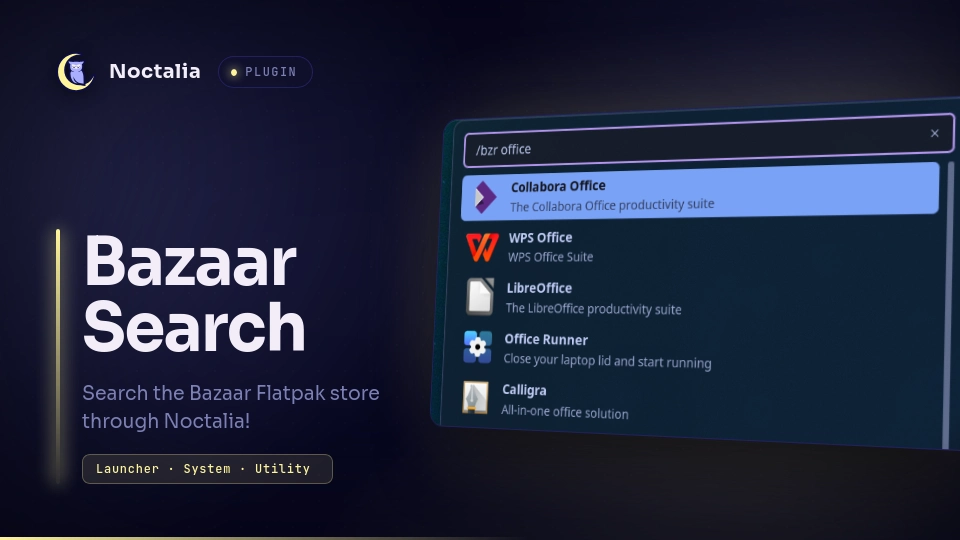
Bazaar Search allows you to search for Flatpaks directly within Noctalia!
It leverages the org.gnome.Shell.SearchProvider2 DBus Interface that
the Bazaar application implements to show Flatpak information within the
Noctalia Launcher.
Plugin
| Field | Value |
|---|---|
| ID | dumbasaroc/bazaarsearch |
| Entries | Launcher Provider: bazaarsearch |
| Launcher Prefix | /bzr |
Requirements
Requires both the busctl command (provided with systemd installs), as well
as the Bazaar Flatpak store. bazaar can be installed either system-wide via
the package manager (preferred), or via Flatpak.
busctlis used exclusively to communicate with the Bazaar DBus instancebazaar(whether the Flatpak or binary version) is needed to provide the actual entries
Usage
Before using this plugin, make sure that the Bazaar service is running. This
is usually handled by the desktop environment you use (ex. spawn-sh-at-startup
for niri) or by simply launching Bazaar. To start this service via the command-line,
use bazaar-daemon --no-window or flatpak run --command=bazaar-daemon io.github.kolunmi.Bazaar --no-window,
depending on how you installed Bazaar.
Simply type /bzr <search terms> into your launcher, and the plugin will use
Bazaar to find Flatpaks based on the search criteria. To open the application's
page in Bazaar, simply click on the entry or press ENTER on an entry to select it.
Settings
| Setting | Type | Default | Description |
|---|---|---|---|
max_entries |
int |
50 |
Defines the number of entries the plugin will pull at once. If it tries to pull too many, the plugin will fail due to CPU compute time! |
Notes
- As stated under Usage, please make sure that the Bazaar background service is running before using this plugin. Generally, this can and should be done within your desktop environment's autostart feature.
- If the plugin doesn't fetch any entries, try setting the
max_entriessetting to a lower value. If there are too many entries trying to be parsed at a time, Luau will stop execution due to CPU compute time.
Versions
| Version | Plugin API | Updated |
|---|---|---|
| v1.0.1 latest | 3 | Aug 14, 2026 |
Older versions stay installable on a Noctalia release whose plugin API is below the latest version's.