 Noctalia
About
AOC monitor
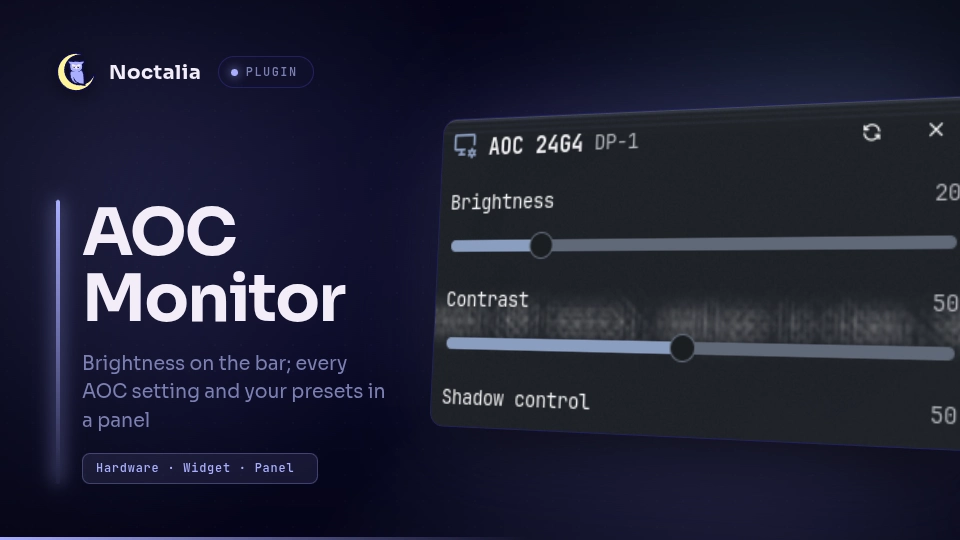
Your AOC monitor's brightness on the bar, and a panel with all its settings (brightness, contrast, overdrive, shadow control, game color, Low Blue, Eco mode and more) and your saved presets. It talks to the monitor through aocctl, so you get the AOC-only settings that otherwise need AOC's Windows app.
Plugin
| Field | Value |
|---|---|
| ID | manishmodak/aocctl |
| Entries | Bar widget: brightness; panel: panel |
Requirements
Install aocctl 0.1.0 or newer on PATH and give it access to your
monitor's i2c bus (see the aocctl README). Check it works first:
aocctl list
aocctl get
Which settings appear depends on what aocctl supports for your model. Models aocctl doesn't know yet get brightness and contrast.
Usage
Add the brightness widget from the Add-widget picker, or by hand:
[widget.aoc]
type = "manishmodak/aocctl:brightness"
The widget shows the brightness of the monitor its bar is on, and hides itself on bars of monitors that aren't AOC. Scroll on it to change brightness in 5% steps. Click it to open the panel for that monitor.
The panel shows a slider for each range setting (written when you release it), a choice or switch for each mode setting (written at once), and a button per preset. Every change is read back from the monitor, and the panel then reads all settings again, since some modes change others. Save presets with aocctl:
aocctl preset save night brightness=10 low-blue=office
Open the panel without the widget (for the focused monitor, or the only AOC monitor) with:
noctalia msg panel-toggle manishmodak/aocctl:panel
Notes
- The plugin runs only
aocctl:aocctl listandaocctl get brightnessonce a minute for the widget,aocctl getandaocctl preset listwhen the panel opens, andaocctl setoraocctl preset applywhen you change something. It writes no files and makes no network calls. - aocctl locks the monitor's i2c device while it works, so it doesn't collide with ddcutil or Noctalia's own brightness control.
- Changing shadow control or game color switches the monitor out of its FPS and racing game modes; that's the monitor's behaviour.
Versions
| Version | Plugin API | Updated |
|---|---|---|
| v1.0.0 latest | 43 | Nov 5, 2026 |
Older versions stay installable on a Noctalia release whose plugin API is below the latest version's.