 Noctalia
About
Alarm Clock
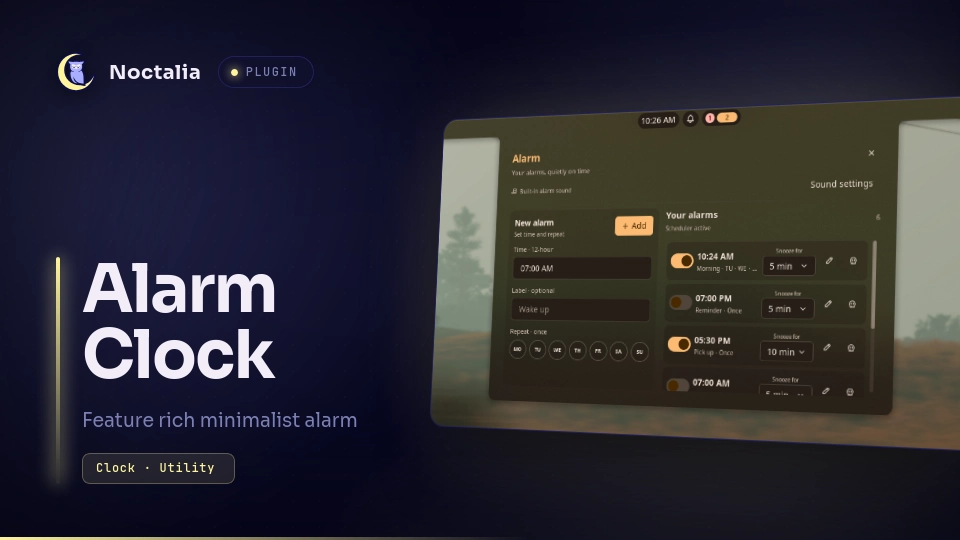
Alarm Clock is a fixed-time alarm manager for Noctalia. Create one-time or recurring alarms, choose individual weekdays, configure snooze per alarm, and use the bundled tone or a custom audio file.
Screenshots
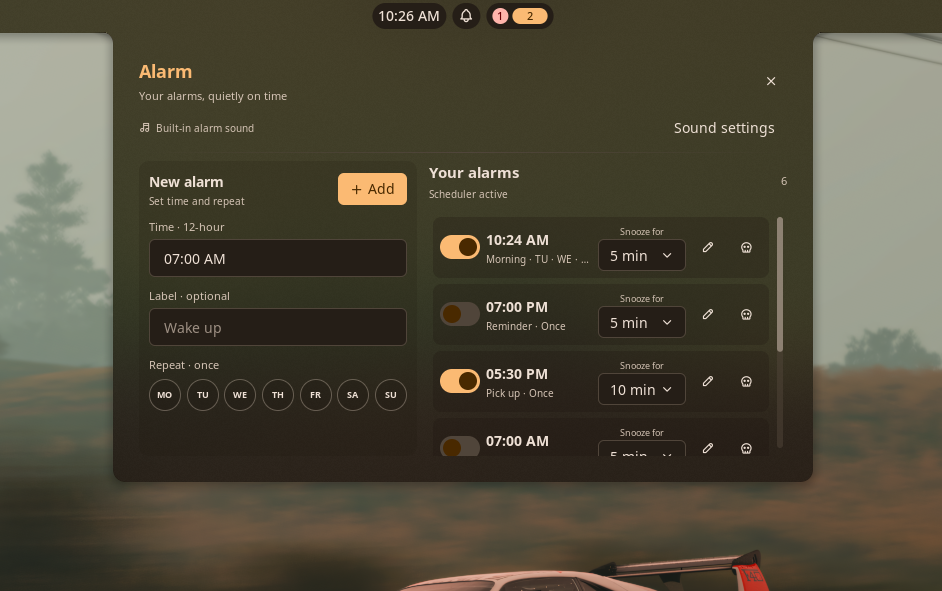
Alarm editor
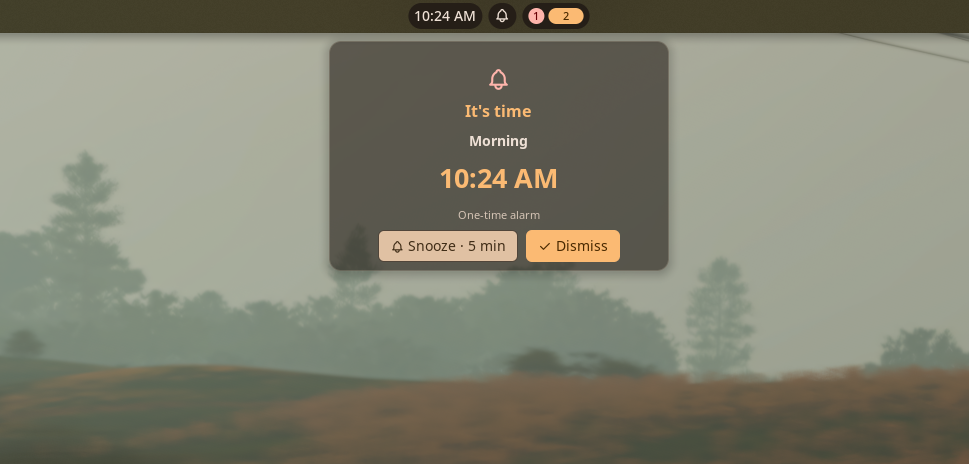
Ringing window
Plugin
| Field | Value |
|---|---|
| ID | spont-427/alarm-clock |
| Entries | Bar widget: bar; panels: panel, ringing; service: service |
Alarm Clock focuses on recurring wall-clock schedules and per-alarm settings. The existing Quick Alarm community plugin is aimed at natural-language reminders and short countdown-style entries; this plugin is designed around a persistent list of named daily and weekly alarms.
Requirements
For playing custom track for alarm, install at least one of these commands and make it available on PATH. This is only necessary if you are planning to play long custom music track as alarm tone and is not needed for built-in default alarm ring tone:
mpv(recommended)ffplay(provided byffmpeg)
Both are declared in the manifest because the service detects mpv first and falls back to ffplay. The bundled short tone uses Noctalia's native sound API and does not require either external player.
On Arch Linux, install one of them:
sudo pacman -S mpv
# or
sudo pacman -S ffmpeg
Usage
Enable Alarm Clock and add its Alarm Clock bar widget from Noctalia's bar settings.
Click the bar widget to open the attached alarm editor. You can also open it with:
noctalia msg panel-toggle spont-427/alarm-clock:panelEnter a time in 12-hour format, optionally add a label, and choose repeat days using the
MOthroughSUbuttons. Selecting no days creates a one-time alarm; selecting one or more days repeats on those weekdays.Click Add alarm. Use each saved alarm's enable switch, edit action, delete action, and snooze dropdown to manage it. Snooze duration is stored per alarm.
To choose a custom sound, open Settings → Plugins → Alarm Clock → settings and set Custom alarm sound. Leave it empty to use the bundled tone. The selected custom sound is shared by all alarms.
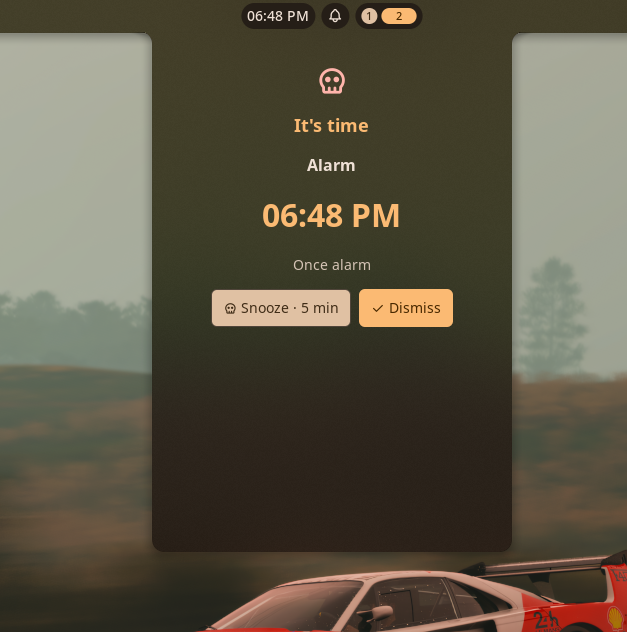
When an alarm fires, the persistent ringing panel opens automatically. Choose Snooze or Dismiss to stop custom audio and handle the alarm.
The ringing panel can also be opened manually with:
noctalia msg panel-toggle spont-427/alarm-clock:ringing
Settings
| Setting | Type | Default | Description |
|---|---|---|---|
custom_sound |
file |
"" |
Optional audio file used for all alarms. An empty value selects the bundled tone. Supported extensions are WAV, FLAC, Ogg, Opus, MP3, and AIFF. Custom playback requires mpv or ffplay. |
sound_enabled |
bool |
true |
Enables or disables alarm audio. The ringing panel and notifications still appear when audio is disabled. |
opaque_ringer |
bool |
false |
Use a solid background for the ringing window instead of the default translucent appearance. |
Notes
- Alarm schedules follow the system's local timezone, including daylight-saving transitions where the timezone database provides them.
- Alarm definitions are stored locally in
noctalia.pluginDataDir()/alarms.json. The plugin makes no network requests. - When a custom sound is selected, the service launches
mpvorffplayas a managed process. It terminates that process on Snooze, Dismiss, deletion or disabling of the ringing alarm, sound changes, and service exit. A small PID marker is stored in the plugin data directory so only the plugin's own player process is stopped. - If neither external player is installed, custom audio cannot be played; install one of the commands listed under Requirements. The bundled tone remains available through Noctalia's native audio API.
- The plugin's directory name and id are intentionally
alarm-clockandspont-427/alarm-clock, distinguishing it from the existingquick-alarmcommunity plugin.
Versions
| Version | Plugin API | Updated |
|---|---|---|
| v0.1.9 latest | 20 | Nov 13, 2026 |
Older versions stay installable on a Noctalia release whose plugin API is below the latest version's.