
Back to plugins 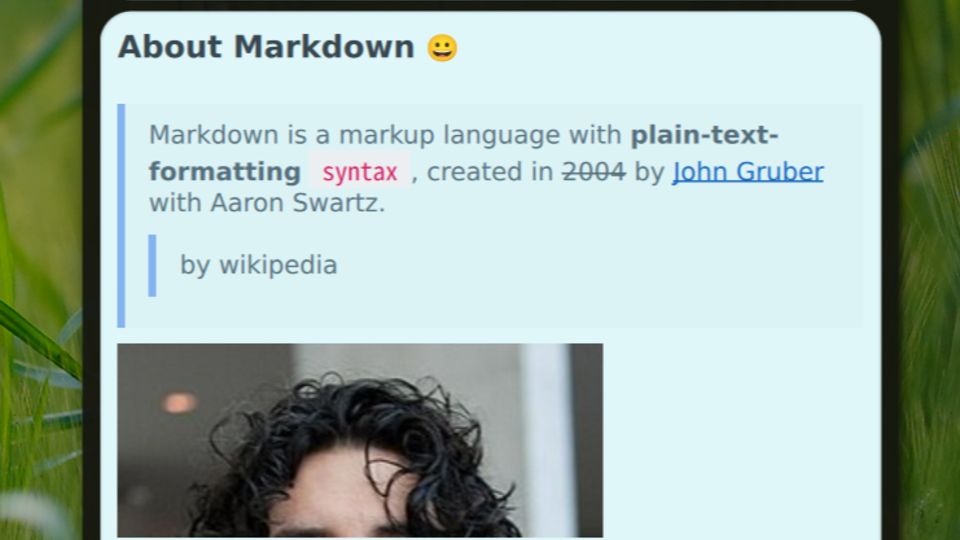

Sticky Notes
A local quick notes plugin with Markdown support.
v0.0.6 sapjax MIT May 5, 2026
About
📝 Sticky Notes
Sticky Notes is a lightweight sticky notes plugin for Noctalia Shell, like OneNote's Sticky Notes but support Markdown.
It allows you to quickly jot down thoughts, code snippets, and to-do lists in beautiful pastel-colored floating cards straight from your system bar.
IPC
Use Noctalia IPC to control the panel:
qs -c noctalia-shell ipc call plugin:sticky-notes toggle
📸 Screenshots
🖱️ Interaction Guide
- Scroll list (no note selected): Use mouse wheel anywhere
- Select a note: click on a note card.
- Unselect a note: press
Escwhen a note is selected. - Scroll note content (selected note): While selected, mouse wheel scrolls inside that note's content area.
- Edit note: Click the
pencilicon or pressEwhen a note is selected.- In editor:
EscorCtrl+Sto save.
- In editor:
- Expand note window: Click the
arrowicon or pressFwhen a note is selected.
✍️ Supported Markdown Syntax
- Headers: Standard
# h1to###### h6as well as Setext style headers (===and---underlines). - Text Emphasis:
**Bold**,*Italic*,__Bold__,_Italic_, and~~Strikethrough~~. - Lists (Fully nested visual indents):
- Unordered (
-,*,+) - Ordered (
1.,2.,3.) - Task lists (
- [x] Done,- [ ] Pending) with automatic strikethrough styling for completed tasks.
- Unordered (
- Blockquotes: Support for standard
> Quoteand nested blockquotes> > > Deep Quote. - Code:
Inline codehighlighting.- Multi-line
Code blockswith smooth gray backgrounds. - 4-space indented code blocks.
- Links & Images:
- Inline Links:
[Noctalia](https://example.com "Title") - Inline Images:
(Large images intelligently cap at 280px to protect UI geometry). - Reference Links/Images:
[Link][id]coupled with[id]: url. - Autolinks:
<http://example.com>or<email@example.com>.
- Inline Links:
- Data Tables: Standard GFM (GitHub Flavored Markdown) structured tables with alignment:
| Option | Description | | :--- | ---: | | Left | Right | - Horizontal Rules: Supports
---,***, and___. - Backslash Escapes: Prevents rendering of literal markdown characters
\*,\etc.