
Slow Bongo
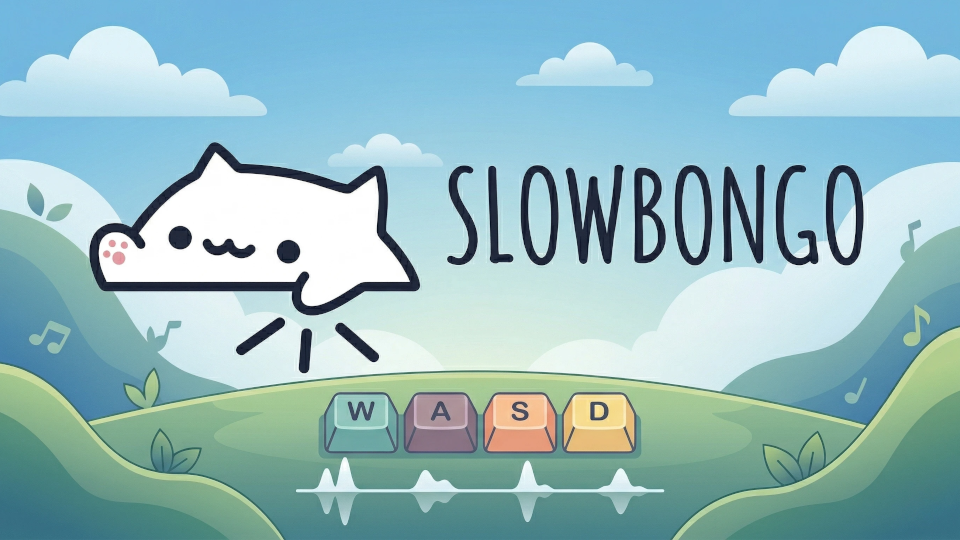
A bongo cat that sits in your bar and slaps when you type.
About
Slow Bongo
A bongo cat that sits in your bar and slaps when you type. This is very early days, there will be bugs.
Features
- Bar Widget: Compact widget that fits seamlessly in your Noctalia bar
- Keyboard Reactive: Cat taps its paws in alternation when you type
- Audio Reactive: Optional rave mode and tappy mode that react to music
- Easy pause: Can quickly pause and un-pause reactivity with a single left click.
- Customizable Appearance: Choose from multiple color schemes and adjust size
- Font-Based Animation: Uses a bongo cat font for easy rendering
- Bar Widget: Compact widget that fits seamlessly in your Noctalia bar
Installation
Navigate to the Noctalia settings plugins section.
Enter the sources sub-menu.
Add Slow Bongo as a custom repository.
https://github.com/tuibird/slowbongo.git
- Open the Noctalia plugins store and enable Slow Bongo.
Configuration
The plugin offers several customization options available in the settings panel:
Input Devices
The plugin automatically detects keyboard input devices on first run. You can manually select which input devices to monitor from the settings panel.
Colors
The colours are all pulled from your current Noctalia colourscheme.
Rave Mode
When enabled, the cat changes colors to the beat when music is playing.
Tappy Mode
When enabled, the cat taps along to the beat when music is playing instead of only reacting to keyboard input.
Size and Position
- Cat Size: Scale the cat from 50% to 150% of default size
- Vertical Position: Fine-tune the cat's vertical alignment in the bar
Requirements
Essential
evtest: Required for keyboard input detection
# Fedora/RHEL
sudo dnf install evtest

# Ubuntu/Debian
sudo apt install evtest

# Arch
sudo pacman -S evtest
Input group membership: Your user must be in the
inputgroup to read keyboard eventssudo usermod -a -G input $USERRestart for the group change to take effect.
Troubleshooting
Cat not responding to keyboard input
Check that
evtestis installed:which evtestVerify you're in the
inputgroup:id -nG | grep inputMake sure at least one input device is selected in the settings panel.
Technical Details
- Uses
evtestto monitor keyboard events from/dev/input/event*devices - Integrates with Noctalia's SpectrumService for audio visualization
- Custom font file (
bongocatfont.woff) contains the cat animations - Alternates between left (1) and right (2) paw animations, returning to idle (0) after configurable timeout
License
MIT
Credits
- Thank you to Kitgore for the inital bongo cat font
- Noctalia plugins for the amazing guides/examples